If you record in a normal room, the microphone is only half the decision. The other half is everything the microphone hears besides your voice: the laptop fan, the street outside, the refrigerator, and the early reflections bouncing off a bare wall behind your head. That is why this comparison of podcast microphones for home studios starts with capsule type and connection path instead of a frequency response graph nobody can hear. A dynamic microphone with tight off-axis rejection and a USB output will usually beat a more expensive condenser in a room that has not been treated, and a microphone you are not afraid to use every week will beat both. The six products below cover the practical range: two dynamic designs that run on USB or XLR, a condenser kit for a treated space, a microphone that arrives with its own stand, a two-person bundle, and one item that is not audio gear at all. Here is how to sort them.
Related: How to Treat a Home Studio Without Buying Foam Panels
Quick answer
The Shure MV7+ USB-C & XLR Podcast Dynamic Microphone - Black is the strongest fit for a first serious podcast setup because it is a dynamic microphone with both USB-C and XLR outputs, so it works with a laptop today and with an interface later without replacing the mic. Choose the FIFINE AmpliTank K688 Dynamic Microphone, XLR/USB Podcast Recording PC Mic instead when the microphone has to share a tight budget with a boom arm, a pop filter, and something to absorb reflections behind you.
Podcast microphones worth comparing
These are the voice-first options in this set, ordered by how well each one fits a home studio that is still a home.
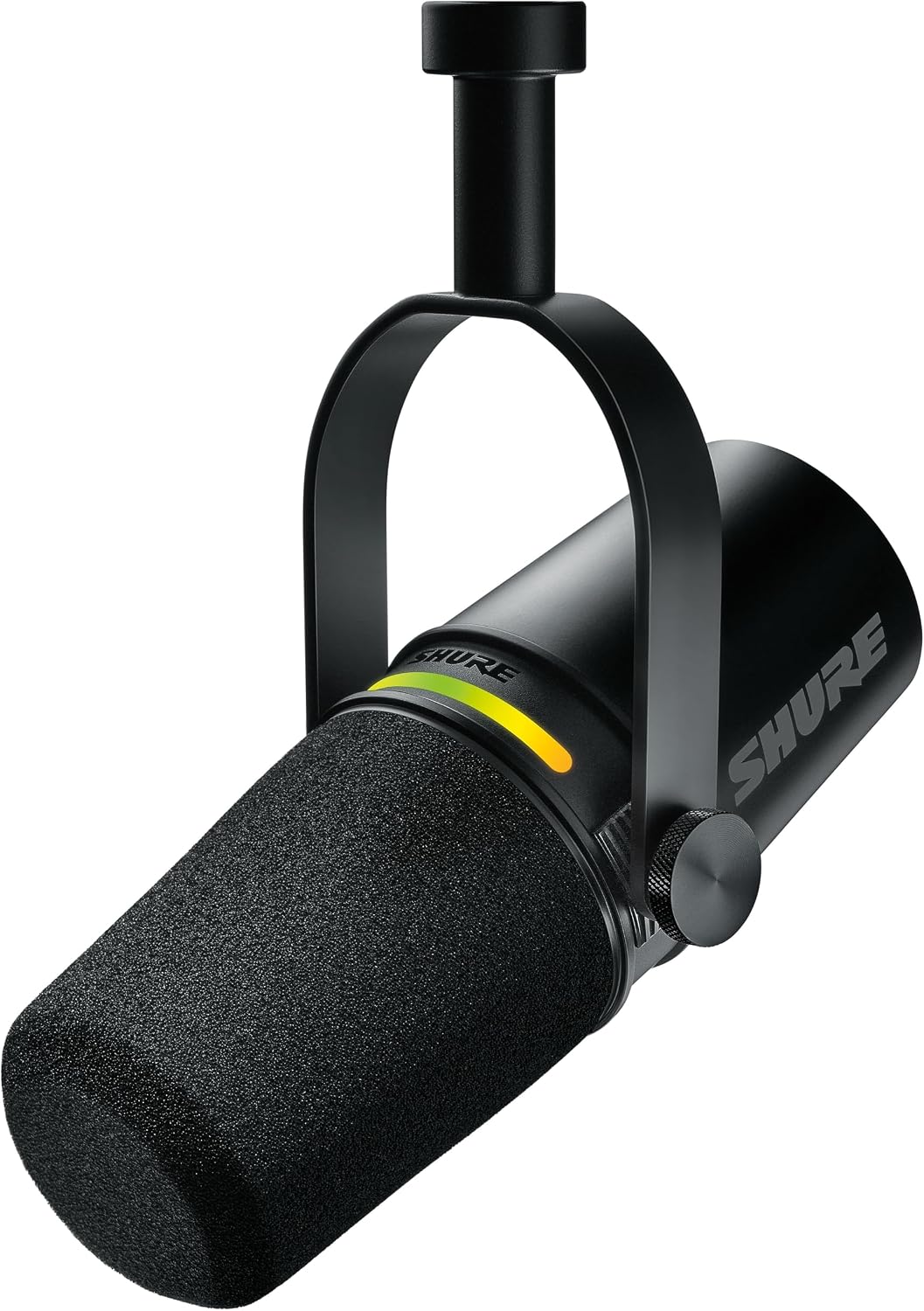
Shure MV7+ USB-C & XLR Podcast Dynamic Microphone - Black
A dynamic podcast microphone with both USB-C and XLR outputs, which means you can start on USB and move to an interface later without changing mics. The dynamic design favors close, on-axis speech and is the more forgiving choice in a room with traffic noise or a humming computer.
Visit on Amazon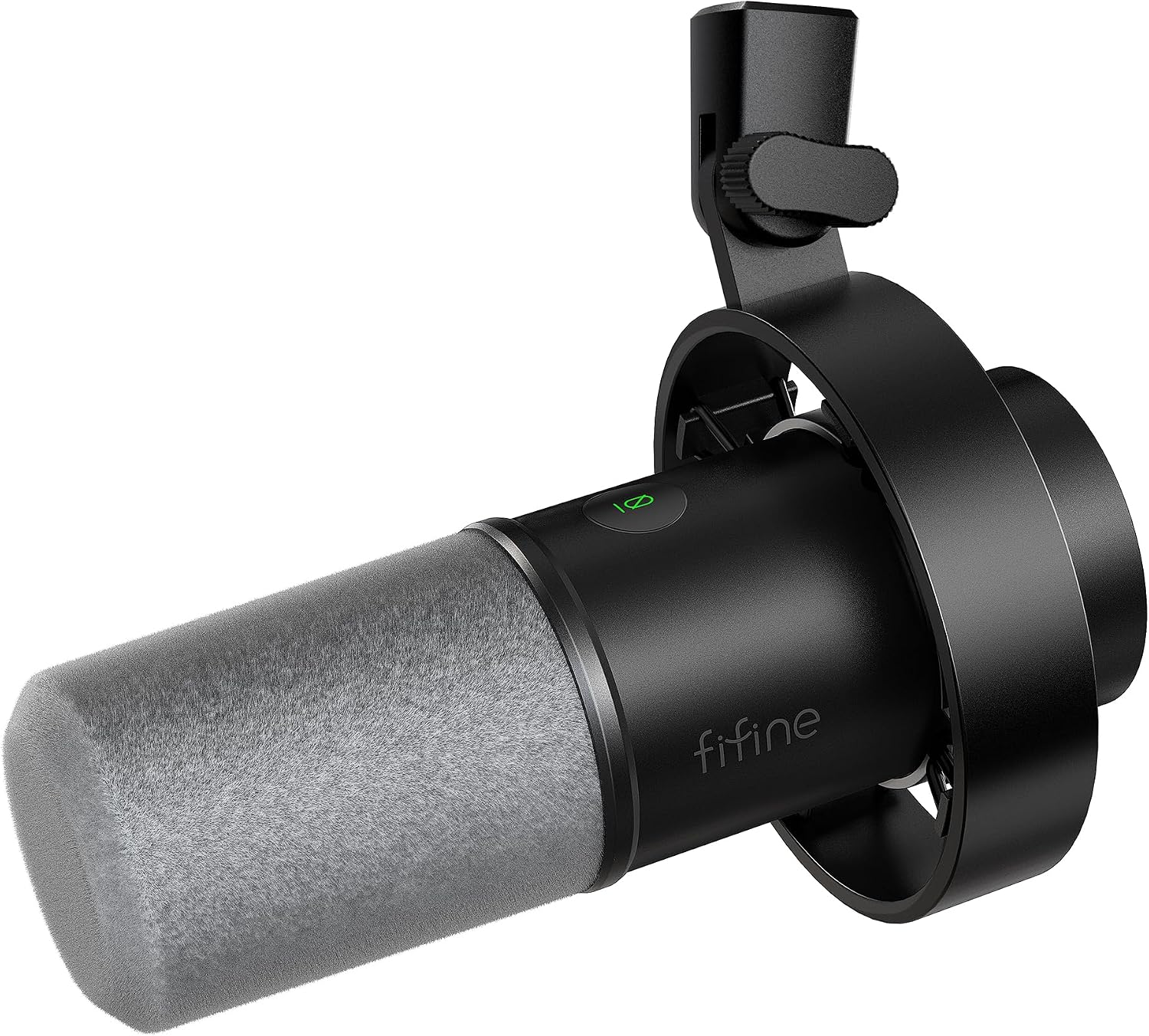
FIFINE AmpliTank K688 Dynamic Microphone, XLR/USB Podcast Recording PC Mic
A dynamic microphone with XLR and USB connections at the entry end of the segment. It follows the same logic as the top pick: dynamic capsule for off-axis rejection, two connection paths so the mic survives your next upgrade.
Visit on Amazon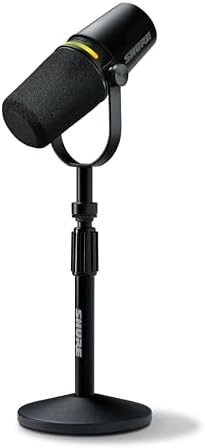
Shure MV7+ USB-C & XLR Podcast Dynamic Mic with Stand - Black
The same MV7+ dynamic microphone bundled with a stand. If you have not chosen a mount yet, this version removes one decision and one extra shipment. If you already own a boom arm, the mic-only version does the same job.
Visit on Amazon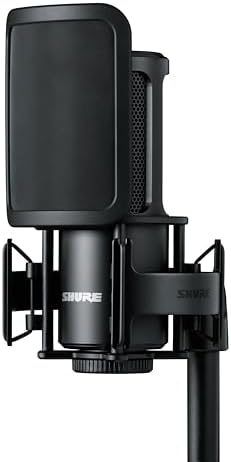
Shure SM4 XLR Studio Condenser Microphone Kit for Recording
An XLR studio condenser microphone kit for recording. Condensers are more sensitive and capture more of the room around them, which is what you want in a treated space and exactly what you do not want in a bare kitchen. Buy this after treatment, not before.
Visit on Amazon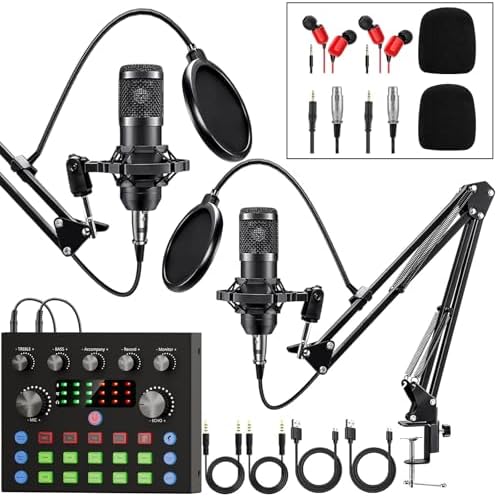
Brvomussy Podcast Equipment Bundle for 2, Audio Interface with Voice Changer Condenser Microphones for Gamer, All-in-One Audio Mixer Perfect for Live Streaming, Singing, YouTube, Gaming
A two-person bundle built around an audio interface, an all-in-one mixer, and condenser microphones, with a voice changer listed for streaming and gaming. It puts the most hardware on the table for the least outlay, which matters if two people record at once.
Visit on Amazon
smartwater Vapor Distilled Water Cans, 12 fl oz, 8 Pack
Not a microphone and not part of any signal chain: eight 12 fl oz cans of vapor distilled water. It should have no influence on a microphone purchase. If you are here for audio gear, move on to the cards above.
Visit on AmazonPrices and availability may change. Check the retailer for current details.
How these products were compared
This guide compares five things: which connection paths each microphone supports, the capsule type named by the listing and what it implies for room noise, how much acoustic treatment each design assumes, whether a stand or mount is included, and how easily the parts can be replaced or upgraded later. Product names, images, and retailer links are matched to the same listing so that every card points to the product shown.
Nothing here is presented as a lab measurement. The distinctions come from published product details, the design type each listing names, and how those designs generally behave in an ordinary room. Where the available data does not support a real difference between two products, this article says so rather than inventing one. Prices and stock move constantly, so use the link on each card to confirm the current price and availability before you buy. If you want the deeper version of the room question, start with the treatment guide linked above, because that decision changes how every microphone on this list sounds.
How to choose the right microphone
Start with capsule type, because it decides how much of your room ends up in the recording. A dynamic microphone is less sensitive and rejects more of what arrives off to the side and behind it, which is why it is the safer choice for a spare bedroom, a shared apartment, or anywhere with a street outside the window. A condenser is more sensitive and more detailed, and it will happily capture your laptop fan, your chair creak, and the reflection off the wall behind you along with your voice. Condensers are not better or worse, they are less forgiving. If you cannot treat the room yet, buy a dynamic and spend the difference on a boom arm and a pop filter.
The second decision is the connection path. A USB microphone plugs straight into your computer, which removes an interface from the budget and one more cable from the desk. An XLR microphone needs an interface or mixer, which costs more but gives you a clean path to two hosts, a headphone mix, and a hardware gain knob you can reach mid-sentence. Microphones that offer both paths let you defer that choice. Related reading: XLR vs USB Microphones for Podcasters.
Then think about how close you will actually sit. Every directional microphone has a proximity effect, the bass lift you get as you move in, and every one of them sounds thinner and more room-heavy as you back away. The microphone you can place correctly on a boom arm at a consistent distance will outperform a better microphone sitting on a desk stand across the room. If two people are recording in the same space, count the inputs you need before you fall in love with a single-mic solution, because a two-person setup is a different purchase.
Shure MV7+ USB-C & XLR Podcast Dynamic Microphone - Black
This is the pick for most people starting a show, and the reason is structural rather than sonic. The microphone is dynamic, so it leans toward close, on-axis speech and pushes down the fan, the traffic, and the reflections behind you. It also offers USB-C and XLR in the same housing, which means the first version of your setup can be a laptop and a cable, and the second version can be an interface and the same microphone. You are not repurchasing anything when your workflow changes.
The trade-off is that you are paying for that flexibility up front. If you are certain you will never buy an interface, the cheaper dual-path dynamic below gets you the same category of sound for a fraction of the outlay. And if you record in a properly treated room and want maximum detail on a soft voice, a condenser kit is the more appropriate tool. The MV7+ is the middle path that keeps both doors open, and for a first serious podcast purchase that is usually worth more than a spec-sheet edge.
Alternatives to consider
The FIFINE AmpliTank K688 Dynamic Microphone, XLR/USB Podcast Recording PC Mic is better suited to a first setup with a hard total budget, because it delivers the dynamic capsule and the dual connection paths while leaving money for the accessories that actually change how you sound. The Shure MV7+ USB-C & XLR Podcast Dynamic Microphone with Stand is the stronger fit when you have not picked a mount yet and want the microphone and its support to arrive together; if you already own a boom arm, the mic-only version is the same purchase without a spare stand.
The Shure SM4 XLR Studio Condenser Microphone Kit for Recording covers the treated-room case: more sensitivity and more detail, on the condition that the space deserves it and that you have an interface to plug it into. The Brvomussy Podcast Equipment Bundle covers the two-person case with an interface, a mixer, and condenser microphones in one box, and it is the fastest way to get two voices recording. As for the smartwater Vapor Distilled Water Cans, it is a beverage, not a microphone, and it does not belong in the comparison on audio grounds. It is listed here so the set is complete, not because it competes.
Day-to-day use and maintenance
Mounting decides more of your day-to-day results than the capsule does. Put any of these microphones on a boom arm so it can sit off the desk and stay at a consistent distance from your mouth, roughly a hand's width away at a slight angle across the lips rather than straight into them. That angle is the cheapest plosive control you will ever get, and a pop filter in front of the capsule handles the rest of the hard P and B sounds. A microphone on a desk stand will pick up every keystroke and every bump of the mouse, and no software will remove that cleanly afterward.
Set your gain once, during a quiet moment, so that normal speech peaks well below the point where the signal distorts, and then leave the knob alone. Check your room tone before each session by recording ten seconds of silence: if you can hear the computer, move the microphone or the computer before you record a whole episode. Clean the grille gently with a dry or barely damp cloth according to the manufacturer's instructions, keep the microphone in a dry place, and keep liquids on a separate surface from anything with a cable attached. That last point is not a joke for a desk with an interface, a mixer, and an open can on it.
Buying checklist
- Measure your desk and your seating position, then confirm the microphone plus its mount will actually reach your mouth.
- Choose dynamic or condenser based on how much treatment your room has, not on which one sounds impressive in a review.
- Decide whether you need USB, XLR, or both, and whether an interface is in this purchase or a later one.
- Confirm the exact listing includes the microphone, the stand if you want one, and any cable you need.
- Read the cleaning and care instructions, verify the current retailer price, availability, and return terms, and buy the mount before you buy the upgrade.
Final recommendation
Choose the Shure MV7+ USB-C & XLR Podcast Dynamic Microphone - Black when you want one purchase that works on a laptop today and on an interface later, with a dynamic capsule that tolerates a room that is not perfect. Choose the FIFINE AmpliTank K688 Dynamic Microphone when the budget has to stretch across a microphone, a boom arm, a pop filter, and some absorption behind your head, because that combination will beat a more expensive microphone sitting badly. Choose the condenser kit only if the room is treated and you already own an interface, and choose the two-person bundle only if two voices need to record at once. Skip the water cans entirely if what you came for is audio.