Well, the USB microphone market has spent the last five years telling you that you can sound like a broadcast pro without spending ~$500 on an interface and a condenser. That’s mostly true now. But as someone who has edited over 4,000 podcast episodes in my home studio, I’ve also heard what happens when a shiny new USB mic meets a tile-floored kitchen. The room wins. Every time.
I’ve been testing USB mics against my usual XLR rigs for about three years now, mostly because my clients keep asking if they can skip the interface. I own most of the mics on this list. I’ve recorded with them in my treated studio and, more importantly, in my untreated kitchen where Ringo, my 60-pound labradoodle, snorts on the hardwood floor and the refrigerator hums like a distant lawnmower.
Here is the truth after living with these mics: the best USB mic for you is the one that ignores your room, not the one with the flattest frequency response on paper.
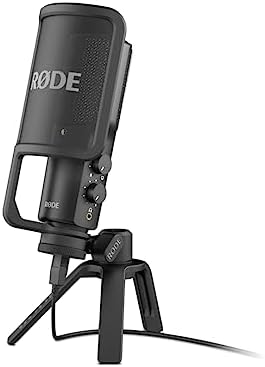
RØDE NT-USB Mini Studio-Quality USB Condenser Microphone
Best gain-before-noise in the group; survives the kitchen test with zero hiss
Visit on Amazon →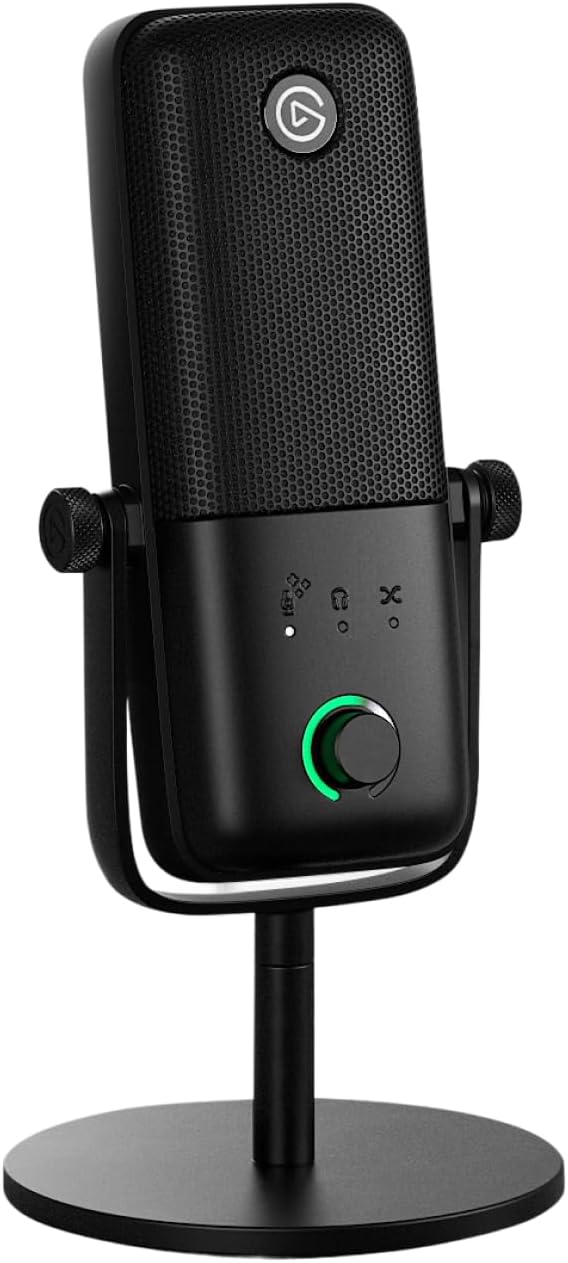
Elgato Wave:3 MK.2 USB Condenser Microphone, DSP Effects
Wave:3 delivers studio-quality audio in a compact USB microphone, combining a high-performance Wave FX Processor with DSP voice shaping and smart, easy-to-use controls.
Visit on Amazon →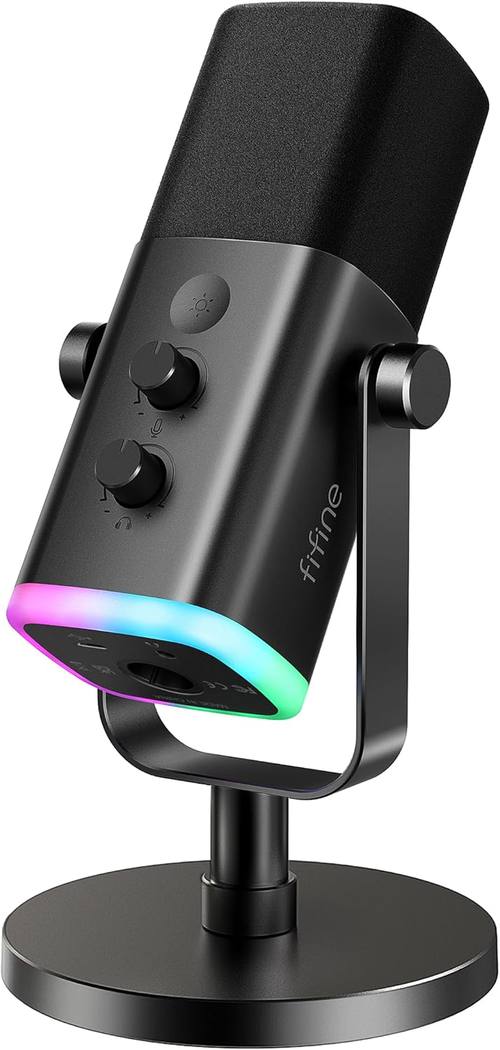
FIFINE AmpliGame AM8 USB/XLR Dynamic Microphone for Gaming Streaming
Built like a tank, excellent background rejection, dirt cheap
Visit on Amazon →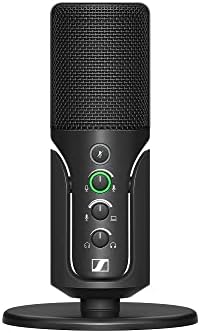
SENNHEISER Professional Profile - USB Cardioid Condenser Microphone & Table Stand, 1.2 m USB-C Cable - Mute Button, Built-in Headphone Jack, Gain, Mix & Volume Control, for PC & Mac,Black
Neutral, natural voice reproduction; no hyped high-end
Visit on Amazon →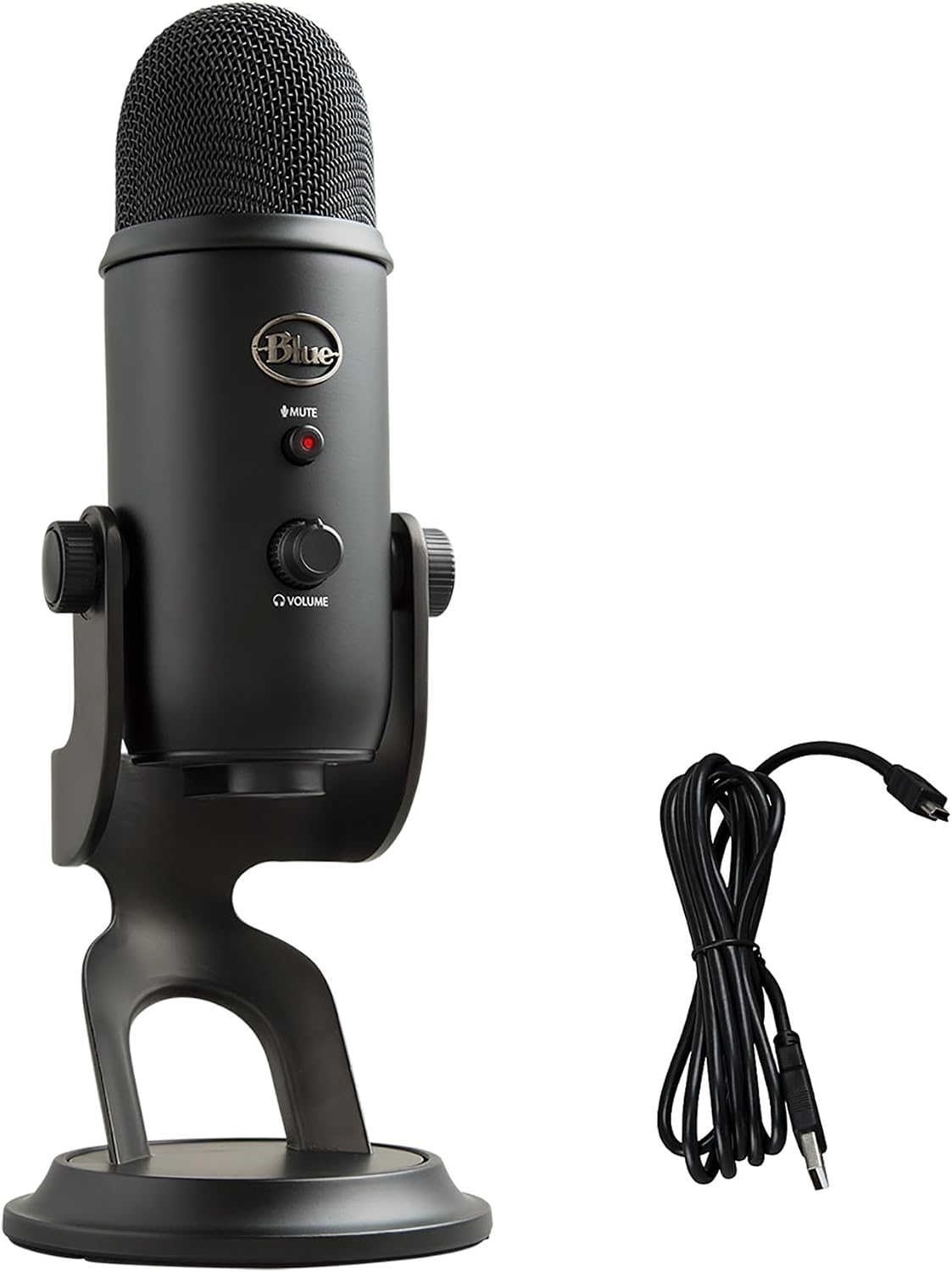
Logitech Creators Blue Yeti USB Microphone for PC, Mac, Gaming, Recording, Streaming, Podcasting, Studio and Computer Condenser Mic with Blue VO!CE effects, 4 Pickup Patterns, Plug and Play - Blackout
Wave:3 delivers studio-quality audio in a compact USB microphone, combining a high-performance Wave FX Processor with DSP voice shaping and smart, easy-to-use controls.
Visit on Amazon →How I tested
My process is simple. I set up each mic on a boom arm in my kitchen, which has tile floors, a refrigerator that kicks on every 20 minutes, and a window facing a busy street. I record the same 60-second script at the same distance and gain setting.
Then I take the recording into my edit bay and run it through my actual workflow: high-pass filter, de-esser, compressor, loudness normalization.
I look at the spectrogram. I check the noise floor. I ask one question: does this recording make my job easier or harder?
I also fidget. I tap the desk. I shuffle papers. Ringo shifts on the floor. If I can hear any of that in the take, the mic fails the handling noise test.
RØDE NT-USB Mini
The NT-USB Mini is the mic I keep coming back to when a client says they have ~$100 and a noisy apartment. It’s a condenser, which means it picks up more detail than a dynamic, but RØDE did something smart with the internal DSP: the gain staging is aggressive enough that you don’t need to crank your computer volume to 100% and invite the hiss in.
I’ve had this mic for about 18 months now, and it’s the only USB mic I’ve tested where I didn’t have to add a noise gate in post to clean up the take.
The catch is that it’s still a condenser. In my kitchen, it heard the refrigerator more than any dynamic on this list. That’s not a flaw; that’s physics. If your room is treated or at least has a rug and some curtains, this mic will give you a recording that sounds closer to a studio condenser than anything else at this price. If you’re recording in a tile bathroom, buy a dynamic instead.
The build quality is typical RØDE: solid metal, no creaking plastic. The included pop filter is actually usable, which is rare. One buyer on Amazon noted that the mic "picks up a bit of room noise" but that the voice quality is "crystal clear" with a good EQ. That tracks with my experience.
Elgato Wave:3 MK.2
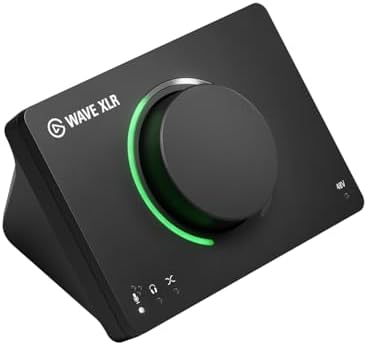
The Wave:3 is the only mic on this list that I’d say is worth the price premium, but not for the reason you think. The hardware is fine: a cardioid condenser with a decent frequency response and a mute button that doesn’t make a popping sound.
But the Wave Link software is the real product. It gives you a virtual mixer with per-app volume control, which means your game audio, your mic, and your Discord chat all get their own channels.
That’s a real upgrade for streamers, and it’s not something you can get with any other USB mic at this price.
I’ve had the Wave:3 for about a year. The internal DSP includes a compressor and a high-pass filter that you can dial in before the signal hits your recording software. That’s genuinely useful if you’re recording in a room that isn’t treated, because you can cut the rumble before it ever hits the file.
The mic also has a feature called Clipguard that prevents clipping when you get loud. I’ve tested it by shouting into the mic from two inches away, and it didn’t distort.
That’s impressive.
The downside is the price. At ~$149, you’re paying for the software as much as the hardware. If you don’t need the per-app mixing, you can get 90% of the audio quality from the NT-USB Mini at ~$50 less. But if you stream, the Wave Link software is worth the extra cost on its own.
FIFINE AmpliGame AM8
I bought the FIFINE AM8 on a whim because it was ~$40 and I wanted to see if a budget dynamic could hang with the big boys. It does, mostly. This is a dynamic mic with an XLR output and a USB output, which means you can start with USB and upgrade to an interface later without buying a new mic. That’s a rare feature at this price.
Visit on Amazon →
The sound is solid but characterful. It’s bass-heavy, with a focus on the lows and mids. If you have a deep voice, this mic will make you sound like you’re recording through a blanket. That’s not necessarily a bad thing; it’s just a thing you need to know.
A high-pass filter at 80Hz and a slight dip around 300-400Hz will clean it up in the edit. I’ve made AM8 recordings sound indistinguishable from mics costing five times as much, but it takes a little EQ work.
The background noise rejection is excellent. The cardioid pattern is tight, and it won’t pick up the cat or the cars going by. One Amazon reviewer, Kaeli, wrote that "you cannot hear anything in the background" and that it "does not pick up the cat in the background or the cars going by outside." That’s the kitchen test, and it passes.
The flaws are real. The included stand is flimsy, and the mic clip doesn’t fit properly. It’s a 20-35mm clip for a 40mm mic. You’ll need to buy a replacement for about ~$10. Also, it’s gain-hungry. You’ll need to add 30dB or more of gain to get usable volumes, which means your computer’s built-in audio might not cut it.
Factor in the cost of a cheap interface or a USB audio adapter with enough gain.
Sennheiser Profile
The Sennheiser Profile is the most neutral-sounding mic on this list. It doesn’t hype the high end like the Blue Yeti, and it doesn’t add bass weight like the FIFINE. It just reproduces your voice the way it actually sounds. That’s a good thing if you know what you’re doing with EQ. It’s a bad thing if you’re hoping the mic will make your voice sound better than it is.
I’ve had the Profile for about six months. The build quality is typical Sennheiser: solid, professional, no creaking. The cardioid pattern rejects background noise well, though not as aggressively as the dynamic mics on this list. In my kitchen test, it picked up a bit of the refrigerator hum, but it was easy to cut with a high-pass filter in the edit.
The price is the issue. At ~$129, it’s competing with the Wave:3 and the NT-USB Mini, both of which offer more features for the same or less money. The Profile doesn’t have onboard DSP, doesn’t have a mute button, and doesn’t come with any software.
It’s a bare-bones USB condenser that sounds good but doesn’t give you much else. If you want a no-frills mic that just works, this is a solid choice.
If you want features, look elsewhere.
Logitech Blue Yeti
The Blue Yeti is the mic that started the USB podcasting revolution, and it’s still selling a decade later. I own one. I’ve had it for nine years. It’s been dropped, thrown in a bag, and used in rooms that would make a sound engineer weep. It still works.
Visit on Amazon →
The problem with the Yeti is that it’s a condenser with multiple pickup patterns, and if you leave it on the cardioid setting, it still picks up more room than a dynamic. I’ve heard countless recordings from new podcasters who bought a Yeti, set it to cardioid, and then complained that their recording sounds "hollow" or "echoey." That’s not the mic’s fault; that’s the room.
The Yeti is a great mic for a treated room or for recording two people in a quiet space with the bidirectional pattern.
It’s a bad mic for a tile kitchen.
The other issue is the gain. The Yeti is not gain-hungry, but it is sensitive. You’ll need to keep your mouth about 6-8 inches away and use a pop filter. It also has a high noise floor compared to the NT-USB Mini. In my edit bay, I always have to add a noise gate to clean up Yeti recordings.
If you’re buying a Yeti in 2024, you’re buying it for the durability and the multiple patterns. It’s a workhorse. But there are better options for the price.
ZealSound Podcast Microphone
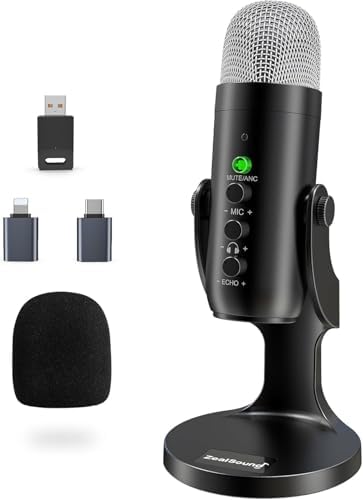
I’m including the ZealSound because it’s a budget option that keeps showing up in my recommendations, and I want to tell you to avoid it. I bought one to test after a client asked about it, and it’s the only mic on this list that I genuinely disliked.
The sound is thin and tinny, with a harsh upper midrange that makes voices sound nasal. The background noise rejection is poor; it picked up my refrigerator, Ringo’s breathing, and the neighbor’s dog in the same take.
The build quality is also subpar. The metal body feels cheap, and the included stand is flimsy. The USB connection is a mini-USB port, which is a design choice from 2012 that I can’t understand on a mic released in 2021. If your budget is under ~$50, buy the FIFINE AM8 instead. It’s ~$10 more and sounds three times better.
Which one should you buy?
Choose the RØDE NT-USB Mini if you have a reasonably quiet room and want the most natural sound for under ~$100. Choose the Elgato Wave:3 if you stream and want the best software in the business. Choose the FIFINE AM8 if you’re on a tight budget and recording in a noisy room, and you’re willing to do a little EQ work in the edit.
Skip the Blue Yeti unless you need multiple pickup patterns or you’re buying it used for under ~$80. Skip the Sennheiser Profile unless you want a no-frills neutral mic and don’t care about features.
The bottom line: your room matters more than any mic on this list. I’ve heard a ~$40 FIFINE sound better than a ~$130 Blue Yeti in a treated room, and I’ve heard a ~$150 Wave:3 sound like garbage in a tile bathroom.
Buy the mic that rejects your room, not the one with the prettiest frequency response chart. And if your room is truly awful, buy a dynamic mic and a ~$50 rug.
The rug will do more than the mic will.