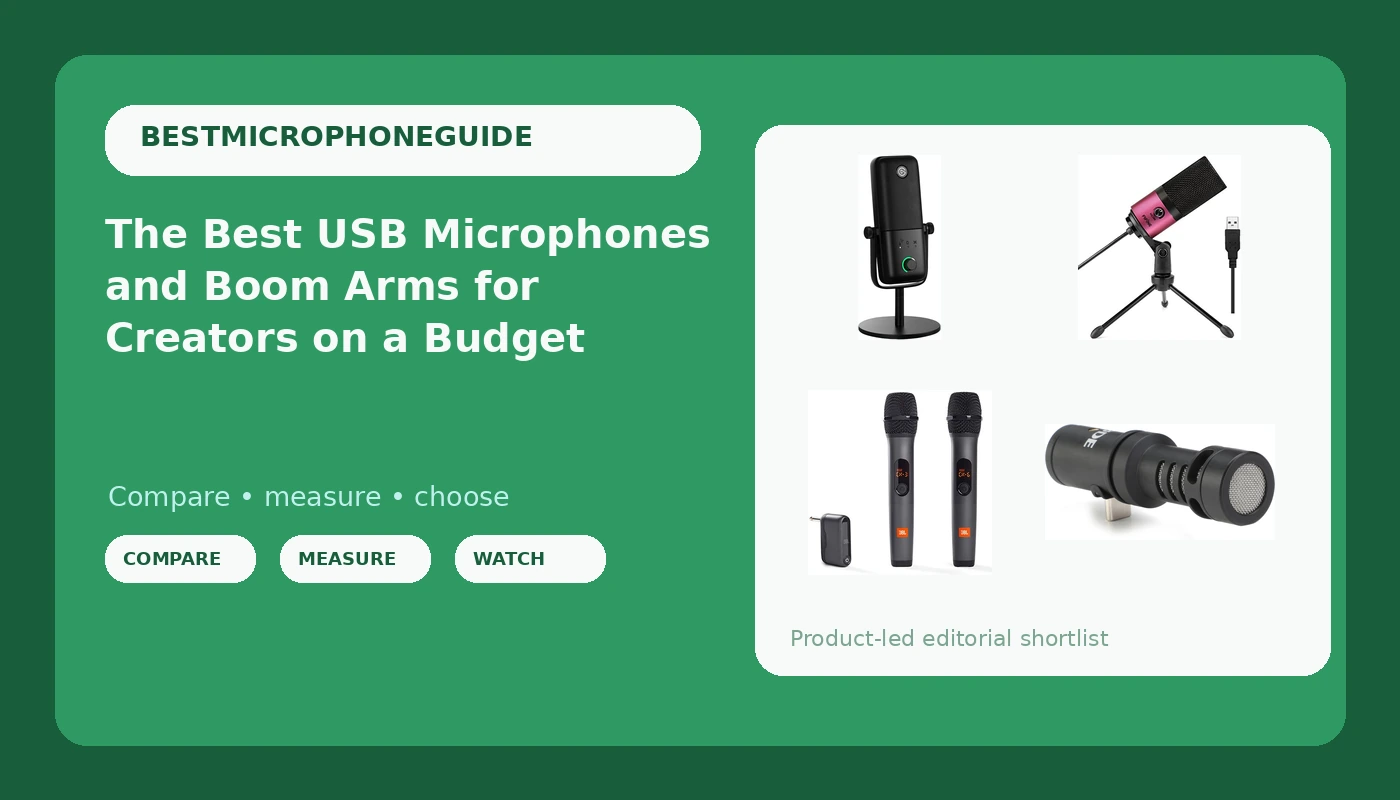
Most people who ask which microphone to buy are really asking a different question: why does my recording sound bad? The honest answer is usually the room, the desk, and the mount before it is ever the capsule. This guide looks at USB microphones for creators and the boom arms that get them off the desktop, because those two purchases shape your finished sound more than a jump from one microphone tier to the next.
The six products here are a deliberately mixed set: a USB condenser with on-board DSP effects, a budget USB microphone aimed at meetings and classes, a two-person wireless system, a phone-mounted directional microphone, and two boom arms at different points on the price ladder. The goal is not to crown a single winner for every situation. It is to match a connection type, a pickup pattern, and a mounting solution to the way you actually record, whether that is a solo podcast at a desk, a two-host show in one room, or video shot on a phone.
Related: How to Treat a Small Room for Voice Recording
Quick answer
The Elgato Wave:3 MK.2 USB Condenser Microphone, DSP Effects is the strongest fit for solo creators who record at a desk and want level control and tone shaping without adding an audio interface, because it is a USB condenser microphone that handles its own DSP effects on board. Choose the FIFINE K669 Silver USB Microphone instead when the budget is the whole conversation and the job is video meetings and online classes rather than produced audio.
Microphones and boom arms worth comparing
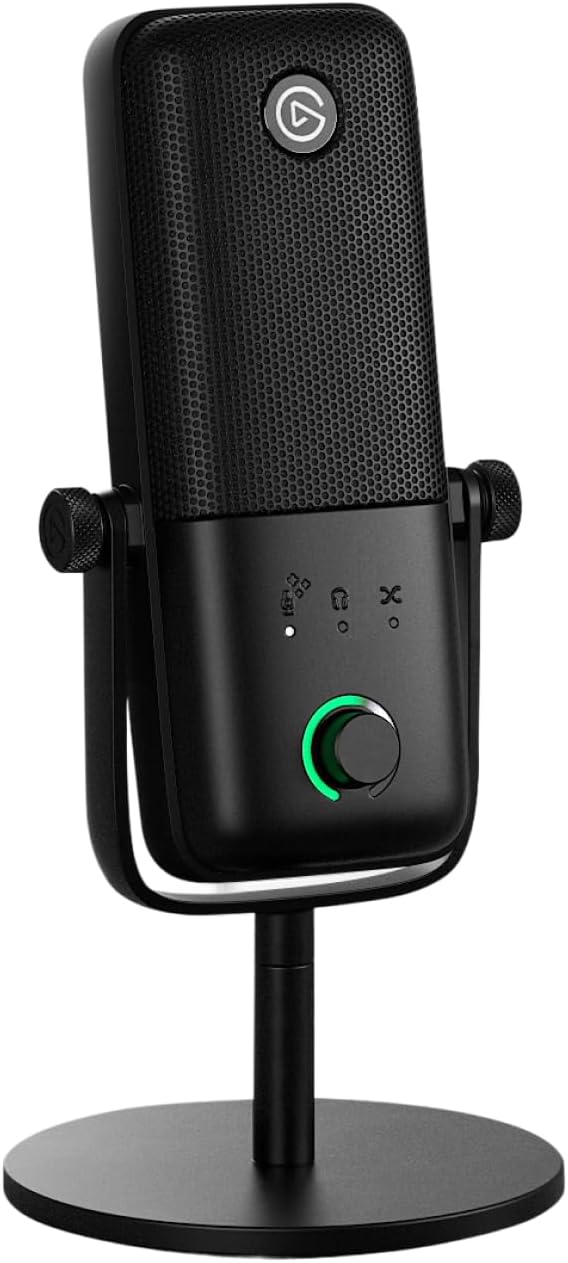
Elgato Wave:3 MK.2 USB Condenser Microphone, DSP Effects
A USB condenser microphone with on-board DSP effects, aimed at desk recording where you want level and tone control without buying an audio interface.
Visit on Amazon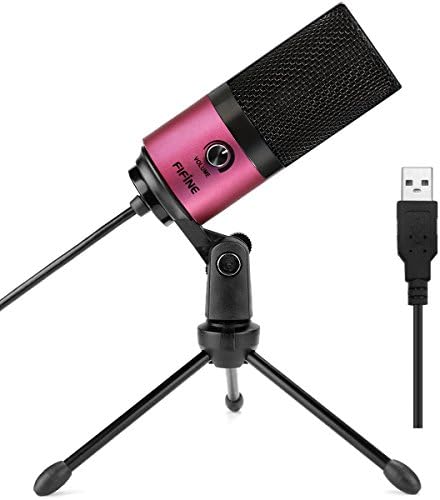
FIFINE K669 Silver USB Microphone for Zoom Video Meeting Online Class
A silver USB microphone positioned for Zoom calls and online classes, and a low-commitment way to stop relying on a laptop's built-in microphone.
Visit on Amazon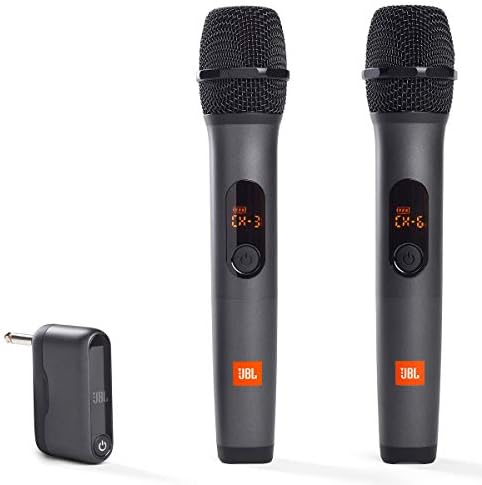
JBL Wireless Two Microphone System with Dual-Channel Receiver, Black
Two wireless microphones and a dual-channel receiver, so two people can be captured at once without crowding a single desk microphone.
Visit on Amazon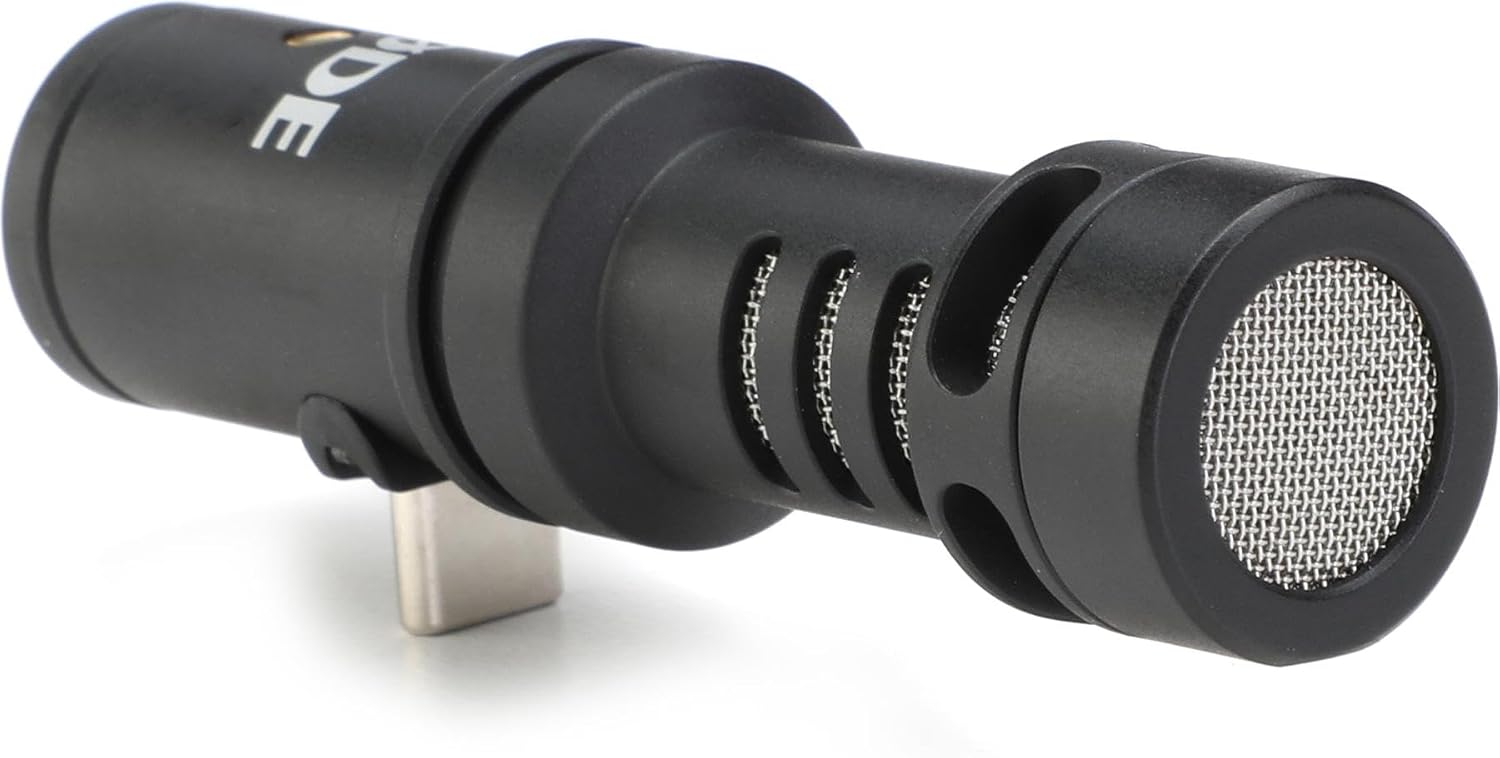
Rode VideoMic Me-C USB-C Directional Microphone for Smartphones,Black
Check current Amazon price
A USB-C directional microphone that plugs into a smartphone, for shooting video where the phone's internal microphone would otherwise pick up everything in the room.
Visit on Amazon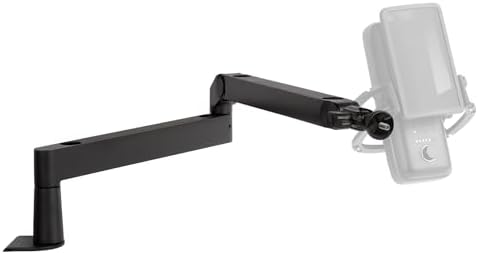
Elgato Wave Mic Arm Low Profile Microphone Boom Arm
A low-profile boom arm that keeps a microphone off the desktop and out of the camera frame, for creators who share their screen or their face on video.
Visit on Amazon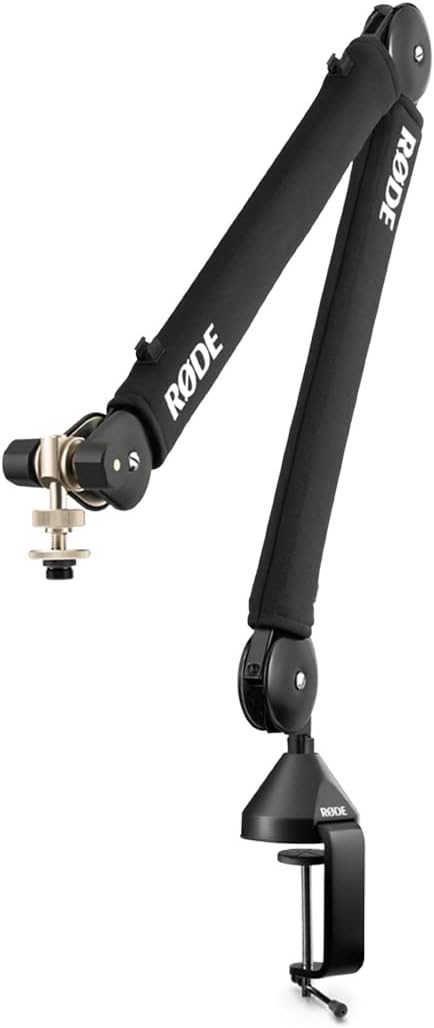
RØDE PSA1+ Professional Studio Boom Arm with Spring Damping, Black
A studio boom arm with spring damping, intended for setups that need to hold a microphone position without the arm creeping or sagging over a session.
Visit on AmazonPrices and availability may change. Check the retailer for current details.
How these products were compared
This guide compares connection type, capsule and pickup pattern, mounting hardware and desk footprint, on-board DSP or companion software features, and what is included in the box. Product names, images, and retailer links are matched by product identifier so that every card points to the product shown.
Nothing here is presented as lab measurement or as hands-on testing, because the product data behind this page does not support those claims. Where the published information does not distinguish two products in a meaningful way, the comparison says so rather than inventing a difference. Prices move constantly, so no current price is printed in the article; use the retailer link on each card to confirm current price and availability before you buy.
How to choose the right microphone
Start with where the sound is going, not with the microphone. If you record solo at a desk and edit in the same room, a USB microphone with on-board DSP effects like the Elgato Wave:3 MK.2 gives you the shortest path from unpacking to a usable recording, because there is no interface, no cable to the wrong input, and no separate gain knob to learn. If you record video meetings, classes, or screen shares all day, the FIFINE K669 covers that job at the low end of the ladder, and its value is mostly in getting the capsule off the laptop lid and closer to your mouth.
The next question is how many voices and what they are attached to. Two people in one room will fight over a single desk microphone, which is where the JBL wireless system with its dual-channel receiver earns its place. A phone is a different problem entirely: the Rode VideoMic Me-C is a USB-C directional microphone that plugs directly into a smartphone, which is the difference between usable dialogue and a recording full of room tone, traffic, and the fan in the next room.
Then there is the mount, which is the part most buyers skip. A microphone sitting on a desk stand transmits every keystroke, mouse click, and coffee mug into the recording, and no amount of money spent on the capsule fixes that. A boom arm is not glamorous, but it is the single change that most reliably improves a home setup, because it decouples the microphone from the surface you work on and lets you place the capsule where your voice actually is. If you want the longer version of that argument, read my notes on treating a small room for voice recording.
Elgato Wave:3 MK.2 USB Condenser Microphone, DSP Effects
The Wave:3 MK.2 is a USB condenser microphone with DSP effects built in, which means the processing that used to require a plug-in chain on your computer now happens as part of the microphone's own feature set. For a creator who records voice, streams, or narrates video from a desk, that combination is the practical middle ground: condenser detail, USB convenience, and enough on-board control to shape a voice without opening a DAW. It is the top pick here because it covers the widest slice of the everyday creator job, from a first podcast to a regular voiceover session, without asking you to buy an interface first.
The trade-off is the one that comes with any condenser in an untreated room. A condenser capsule is more sensitive to everything around it than a dynamic microphone, so the Wave:3 MK.2 will reward you for a quiet, soft room and punish you for a bare one with hard walls and a nearby street. On-board DSP is a convenience, not acoustic treatment, and no amount of tone shaping removes a room's reflections from a recording. It is also a USB-only path: if your plan is to grow into an interface and XLR microphones later, this is not the microphone that grows with that plan, and buying it now means buying twice.
Alternatives to consider
The FIFINE K669 Silver USB Microphone is better suited to calls, classes, and casual recording where the priority is a clean, simple USB connection and a small footprint on the desk, while the JBL Wireless Two Microphone System is a stronger fit when two people need to be recorded at once and running cables across a table is not an option.
The Rode VideoMic Me-C, the Elgato Wave Mic Arm Low Profile, and the RØDE PSA1+ cover the rest of the ground. The VideoMic Me-C is the phone-first choice, aimed at creators who shoot on a smartphone and need directionality rather than a desktop microphone. The Wave Mic Arm Low Profile is the low-profile mounting option for desks where vertical space and camera framing both matter. The PSA1+ is the heavier studio arm with spring damping, for creators who want a boom arm that holds its position instead of drifting down toward the desk over a long session.
Day-to-day use and maintenance
Set your gain before you fix anything else. Speak at your normal volume, watch the meter, and leave headroom so that a laugh or a plosive does not clip. If you are working close to the capsule, a pop filter or a foam windscreen is doing more for your intelligibility than any software setting, because plosives are a mechanical problem before they are an audio problem. Keep the microphone slightly off axis from your mouth rather than pointed straight at it, and keep the distance consistent between takes so your edits do not jump in level.
For the arms, the routine is simple and mostly about tension. Adjust the arm's joints so it holds position without being cranked tight, route the cable along the arm so it is not pulling on the microphone end, and check the desk clamp periodically, since a clamp that has worked loose will let the whole assembly rotate. Never force a joint past its stop, and do not overtighten a clamp on a thin or hollow desk top. For the phone-mounted VideoMic Me-C, remember that a directional microphone outdoors still needs wind protection, and that a phone case can interfere with a fully seated USB-C connection.
Microphones generally ask for very little: keep liquids away, avoid dropping the capsule end, and follow the manufacturer's cleaning guidance rather than improvising with household solvents. If a microphone starts to sound thin, crackly, or unusually noisy, check the cable and the connection before assuming the microphone has failed.
Buying checklist
- Measure your desk edge thickness and the reach you actually need before buying a boom arm, so the microphone can clear your keyboard and your camera frame.
- Choose the connection type based on your normal setup, whether that is USB on a computer, USB-C on a phone, or a wireless system for two people, rather than on an occasional edge case.
- Confirm that the exact model includes the mounting hardware or adapter your stand, arm, or phone requires.
- Read the cleaning and maintenance instructions for the microphone and for the arm's moving parts.
- Verify the current retailer price, availability, and return terms on the product page before ordering.
Final recommendation
Choose the Elgato Wave:3 MK.2 USB Condenser Microphone, DSP Effects when you record solo at a desk, want USB simplicity, and want the microphone itself to handle some level and tone shaping. Choose the FIFINE K669 Silver USB Microphone when the budget is tight and the job is meetings and classes rather than produced audio. Step up to the JBL Wireless Two Microphone System when two voices need to be captured at once, and to the Rode VideoMic Me-C when the camera in your hand is a phone. For mounting, the Elgato Wave Mic Arm Low Profile suits compact desks and on-camera work, while the RØDE PSA1+ is the choice when you want a studio arm with spring damping to hold position.
Where the verified product information does not support a meaningful distinction between two options, this guide does not manufacture one. Pick the connection type, the voice count, and the mount that match your room and your workflow, confirm the current price on the product page, and spend whatever is left of your budget on making the room quieter. That last step will do more for your recordings than any microphone on this list.