Most creator audio problems start before the microphone. You buy a mic, set it on the desk, hit record, and the take comes back full of keyboard clatter, chair squeaks, street noise, and a low rumble that only shows up once you put headphones on. The USB microphones for creators in this guide were chosen because each one handles a different part of that problem: a wireless clip-on system for shooting away from the desk, a directional mic that plugs straight into a phone, two desk mics built for streaming, and two boom arms that lift a microphone off the desk so it stops hearing every keystroke. The range runs from a complete first setup to the kind of arm you buy once and keep through several microphone upgrades.
Related: How to Treat a Small Room Before You Buy Another Microphone
Quick answer
The Hollyland Lark A1 (2TX+USB-C RX+Charging Case) Wireless Magnetic Microphone is the strongest fit for creators who record on camera because it is a two-transmitter wireless system with a USB-C receiver and a charging case, so nothing tethers the microphone to the camera. Choose the FIFINE AmpliGame A6T USB Gaming Microphone Kit, Condenser Mic for Streaming instead when your work happens at a desk and you would rather have a condenser streaming mic and its kit than a wireless system.
USB microphones and boom arms worth comparing
Six items, three jobs. Two are USB desk microphones, one is a phone-ready directional mic, one is a wireless clip-on system, and two are boom arms that decide where the microphone actually sits. That last part matters more than most people expect: a good mic on a bad stand still picks up the desk.
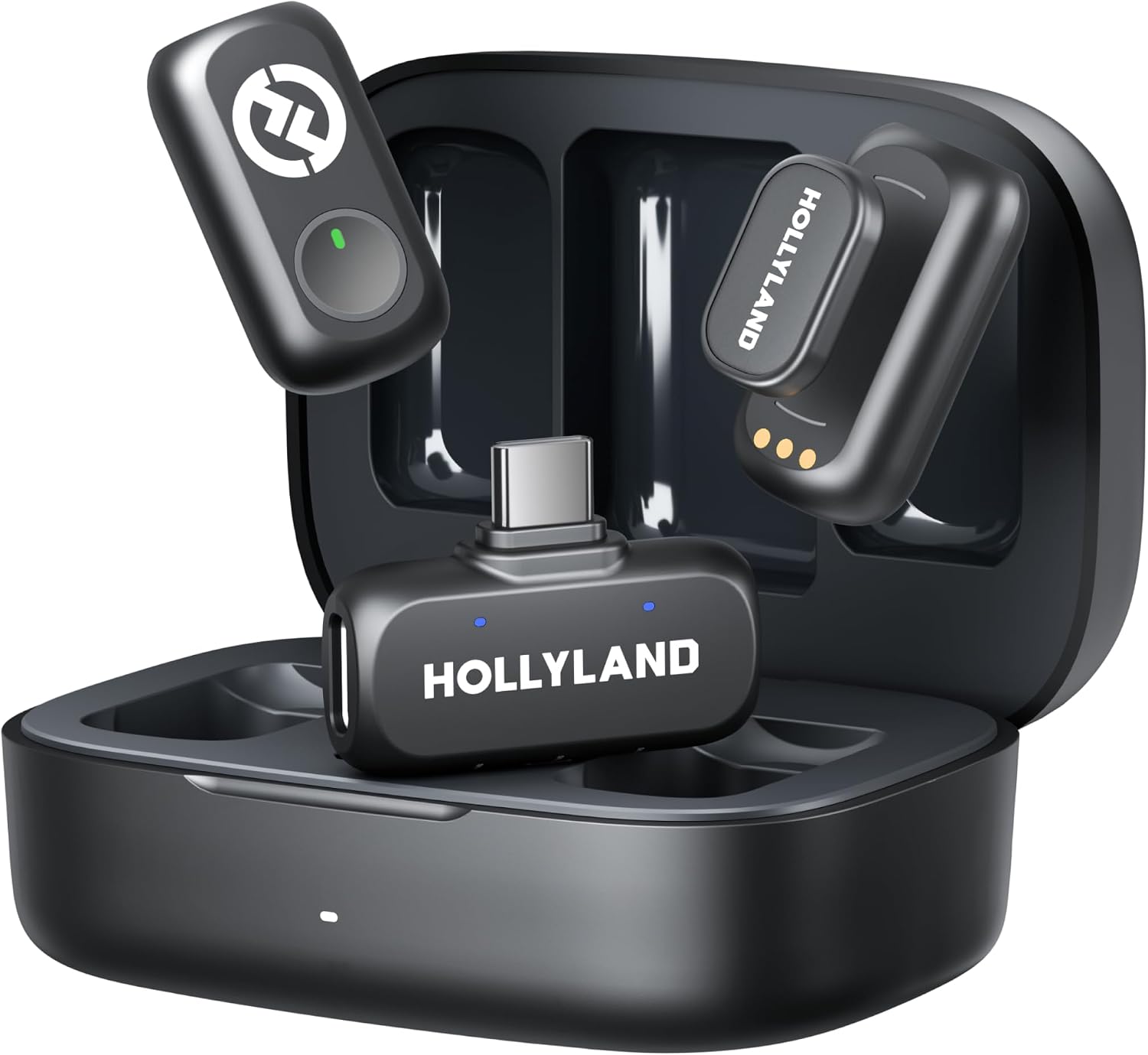
Hollyland Lark A1 (2TX+USB-C RX+Charging Case) Wireless Magnetic Microphone
A two-transmitter wireless system with a USB-C receiver and a charging case, designed for recording on camera with magnetic mounting and no cable running to the camera.
Visit on Amazon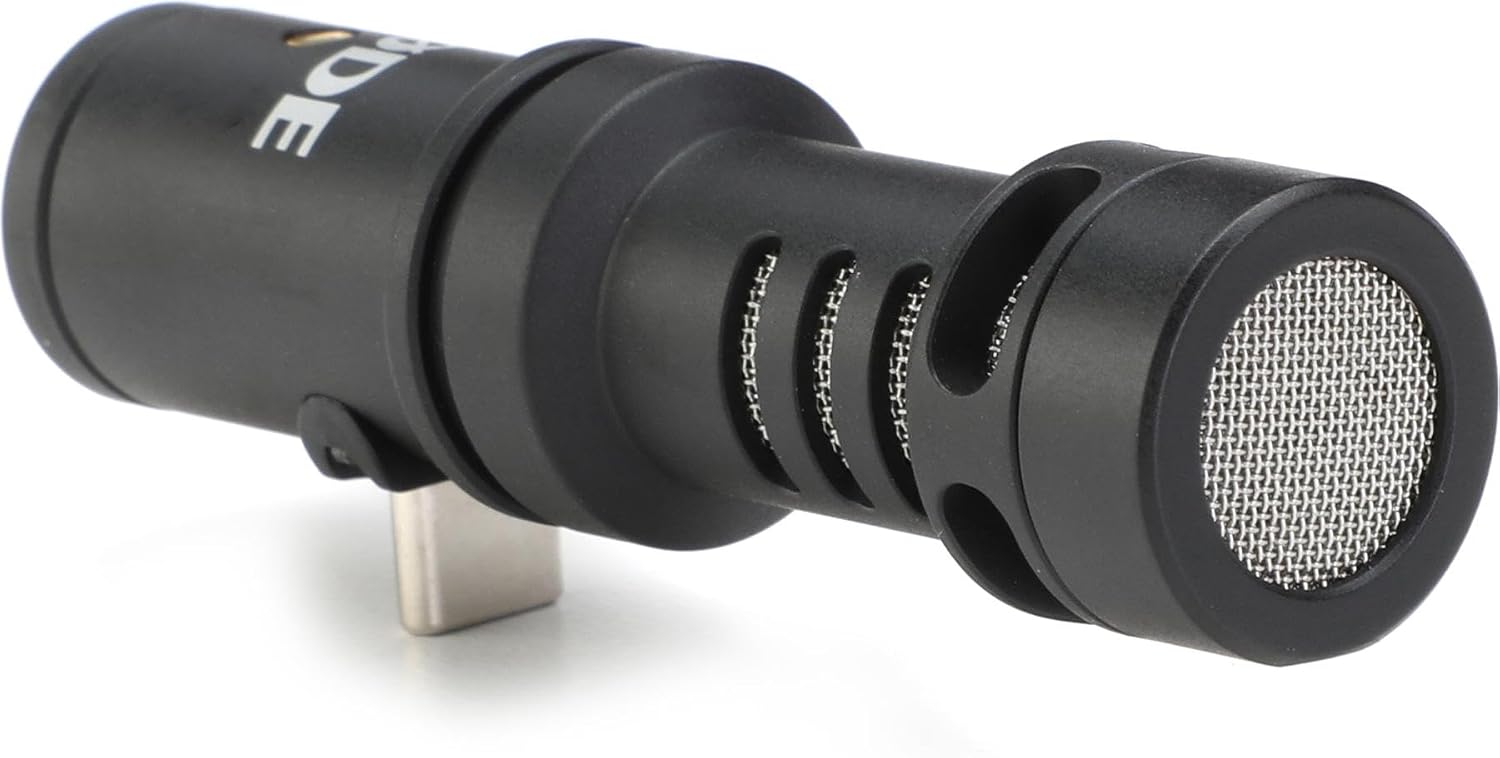
Rode VideoMic Me-C USB-C Directional Microphone for Smartphones,Black
Check current Amazon price
A directional USB-C microphone made for smartphones, aimed at creators who want better audio straight from a phone without adding a separate receiver to the rig.
Visit on Amazon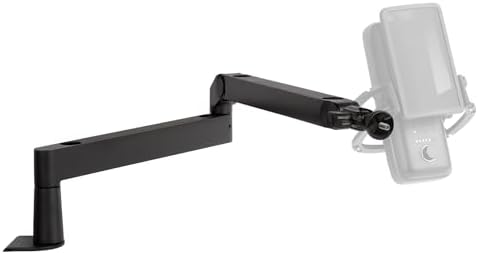
Elgato Wave Mic Arm Low Profile Microphone Boom Arm
A low-profile boom arm for desks where a full-size arm crowds the monitor, letting the microphone sit close to the mouth without dominating the workspace.
Visit on Amazon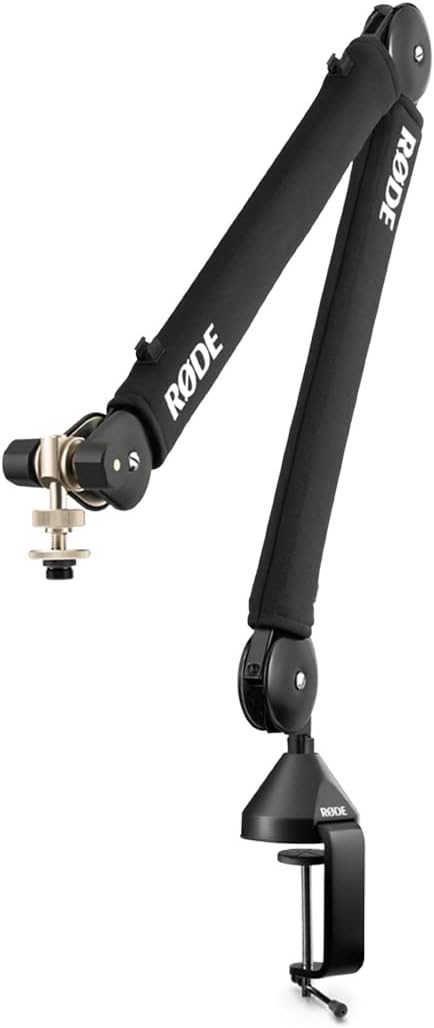
RØDE PSA1+ Professional Studio Boom Arm with Spring Damping, Black
A professional studio boom arm with spring damping, intended for a fixed desk position and a microphone that stays exactly where you set it across long sessions.
Visit on Amazon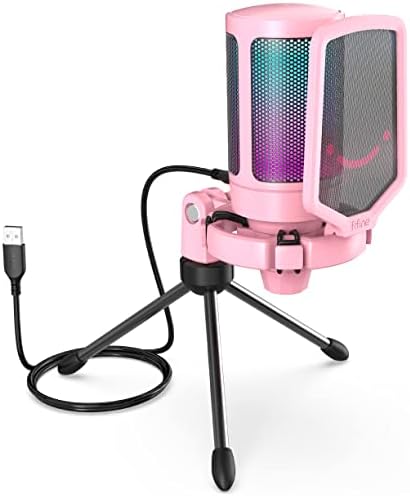
FIFINE AmpliGame A6V USB Gaming Microphone, Condenser RGB Mic for Streaming
A USB condenser microphone for streaming with RGB lighting built into the body, aimed at a single-mic desk setup that doubles as a streaming or recording station.
Visit on Amazon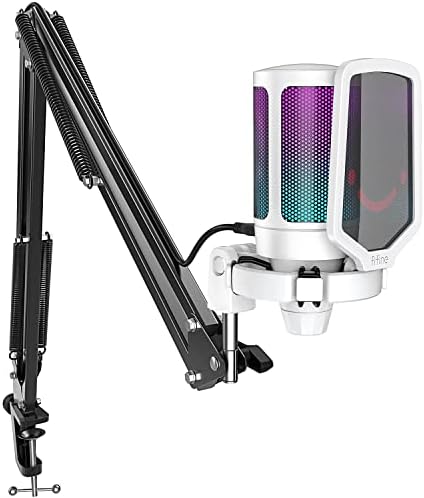
FIFINE AmpliGame A6T USB Gaming Microphone Kit, Condenser Mic for Streaming
The kit version of a USB condenser streaming microphone, packaged for creators assembling a first desk setup in a single purchase instead of ordering parts separately.
Visit on AmazonPrices and availability may change. Check the retailer for current details.
How these products were compared
This guide compares connection type, mounting and positioning, what ships in the box, the recording situation each item is designed for, and how much of a complete setup a single purchase covers. Product names, images, and retailer links are matched by ASIN so that every card points to the product shown.
One thing this guide does not do is pretend a spec sheet settles the question. Frequency response figures are easy to print and hard to hear, and a pickup pattern on a box tells you less about a recording than where the microphone ends up in your room. What is listed here is what the product data supports: what each item is, what it connects to, and which job it was built for.
How to choose the right microphone
Start with where you record. If you record at a desk, a USB microphone plus a boom arm is the shortest path to a usable take, because the arm lets you place the mic close to your mouth and off to the side of the keyboard. If you record on camera, a wireless clip-on transmitter or a phone-mounted directional mic solves a problem a desk mic cannot, since neither one has to sit on a surface you are also typing on.
Then decide what you want to plug into. USB-C runs through most of this list: the Rode VideoMic Me-C connects to a smartphone over USB-C, and the Hollyland receiver is USB-C as well. The FIFINE mics are USB desk microphones built for streaming. Matching the connector to the device you already own removes an adapter from the chain, and adapters are where cheap setups start to rattle.
After that, separate the microphone from the mount. A boom arm is not glamorous, but it changes a recording more than most mic swaps do, because it controls distance and keeps the capsule out of the path of your hands and your keyboard. If your current setup is a short desk stand, the stand and the room are usually the real problem. Treating the space first is the cheaper upgrade, and it is the one most people skip.
Finally, decide how many microphones you actually need. A two-transmitter system covers an interview, a co-host, or a second camera position. A single desk microphone covers one person at one desk and nothing else. Buying for the occasional two-person shoot usually means paying for capability you will not use every week.
Hollyland Lark A1 (2TX+USB-C RX+Charging Case) Wireless Magnetic Microphone
The Hollyland Lark A1 is the one item on this list built for recording away from a computer. The package includes two transmitters, a USB-C receiver, and a charging case, which means two people can be mic'd at once and both transmitters store and charge in the same box. Magnetic mounting is part of the design, so the transmitters attach to clothing without a separate clip.
The trade-off is workflow rather than a quality claim. A system like this is at its best when the camera is the recorder and you want clean audio of someone talking while they move. It is not the tool for a long desk session, where a boom arm and a USB microphone give you a fixed position you can return to every time. If your work is a mix of both, treat the Lark A1 as the field kit and a desk mic as the studio setup, rather than expecting one purchase to cover both.
Alternatives to consider
The Rode VideoMic Me-C USB-C Directional Microphone for Smartphones,Black is better suited to shooting straight into a phone with no separate receiver in the chain, because it is a directional microphone that plugs into a USB-C smartphone, while the Elgato Wave Mic Arm Low Profile Microphone Boom Arm is a stronger fit when desk space above the monitor is tight and a full-size arm would sit in your sightline.
The RØDE PSA1+ Professional Studio Boom Arm with Spring Damping, Black, the FIFINE AmpliGame A6V USB Gaming Microphone, Condenser RGB Mic for Streaming, and the FIFINE AmpliGame A6T USB Gaming Microphone Kit, Condenser Mic for Streaming cover the rest of the range. The PSA1+ is the studio arm here, with spring damping named in the product data, and it is aimed at a fixed desk position that does not change between sessions. The A6V is a USB condenser mic for streaming with RGB lighting built in, and the A6T is the kit version of that same idea, packaged so a first desk setup arrives in one order instead of three.
Day-to-day use and maintenance
Keep the microphone where it will stay. A mic that lives in a drawer gets used less, and an unused microphone is the most expensive gear in the room. Set the arm or mount once, route the cable so it is not pulling on the connector, and leave the whole thing assembled.
For the wireless system, the charging case doubles as the storage case, so transmitters go back in when the shoot ends and are charged for the next one. Check the receiver connection before every session, because a USB-C receiver that is not fully seated is one of the most common reasons a wireless take comes back silent. If the phone-mounted directional mic lives in a bag, keep its connector clear of pocket lint, which is a surprisingly common cause of a mic that "stopped working" between shoots.
Care is basic across all of these. Wipe plastic and metal surfaces with a dry or very slightly damp cloth, keep liquids away from the connectors, and avoid leaving a USB microphone in direct sun on a windowsill. Pop filters and foam covers are cheap and replaceable, so replace them rather than trying to deep clean them. For anything beyond that, follow the manufacturer's instructions.
Buying checklist
- Measure desk depth and the clearance above your monitor before choosing a boom arm, especially a low-profile one.
- Pick the connector based on the device you record into, USB-C for a modern phone or laptop.
- Decide whether you need one microphone or two, since a two-transmitter system covers interviews and a single mic does not.
- Confirm whether the listing is the microphone alone or a kit, because the same model line often ships both ways.
- Check that the included mount is one you can live with, or budget for an arm separately.
- Verify the current retailer price, availability, and return terms.
Final recommendation
Choose the Hollyland Lark A1 (2TX+USB-C RX+Charging Case) Wireless Magnetic Microphone when you record on camera, move while you talk, or need two people mic'd at once, because the two transmitters, the USB-C receiver, and the charging case are the whole system in one box. Choose the FIFINE AmpliGame A6T USB Gaming Microphone Kit, Condenser Mic for Streaming when your recording happens at a desk and you want a condenser streaming mic and its kit rather than a wireless setup.
If you already own a microphone and simply hate where it sits, buy the arm first. The Elgato Wave Mic Arm Low Profile and the RØDE PSA1+ will change more about your recordings than another capsule will. And if none of these differences line up with how you actually record, the honest answer is that you do not need a new microphone yet.