
Is Your Mic Actually Broken, or Is It Just Static?
Well, I’ve been editing podcasts out of my house for over a decade now, and I’ve lost count of how many times a client has sent me a file that sounds like bacon frying in a rainstorm. They always ask the same thing: “Is my mic broken?” Usually, it’s not. It’s static, and static is a fixable problem. I’ve been living with this issue in my own studio and my untreated kitchen for years, so here’s the truth: you can fix microphone static noise without spending a dime, or you can fix it with a $20 part. Let’s figure out which one you need.
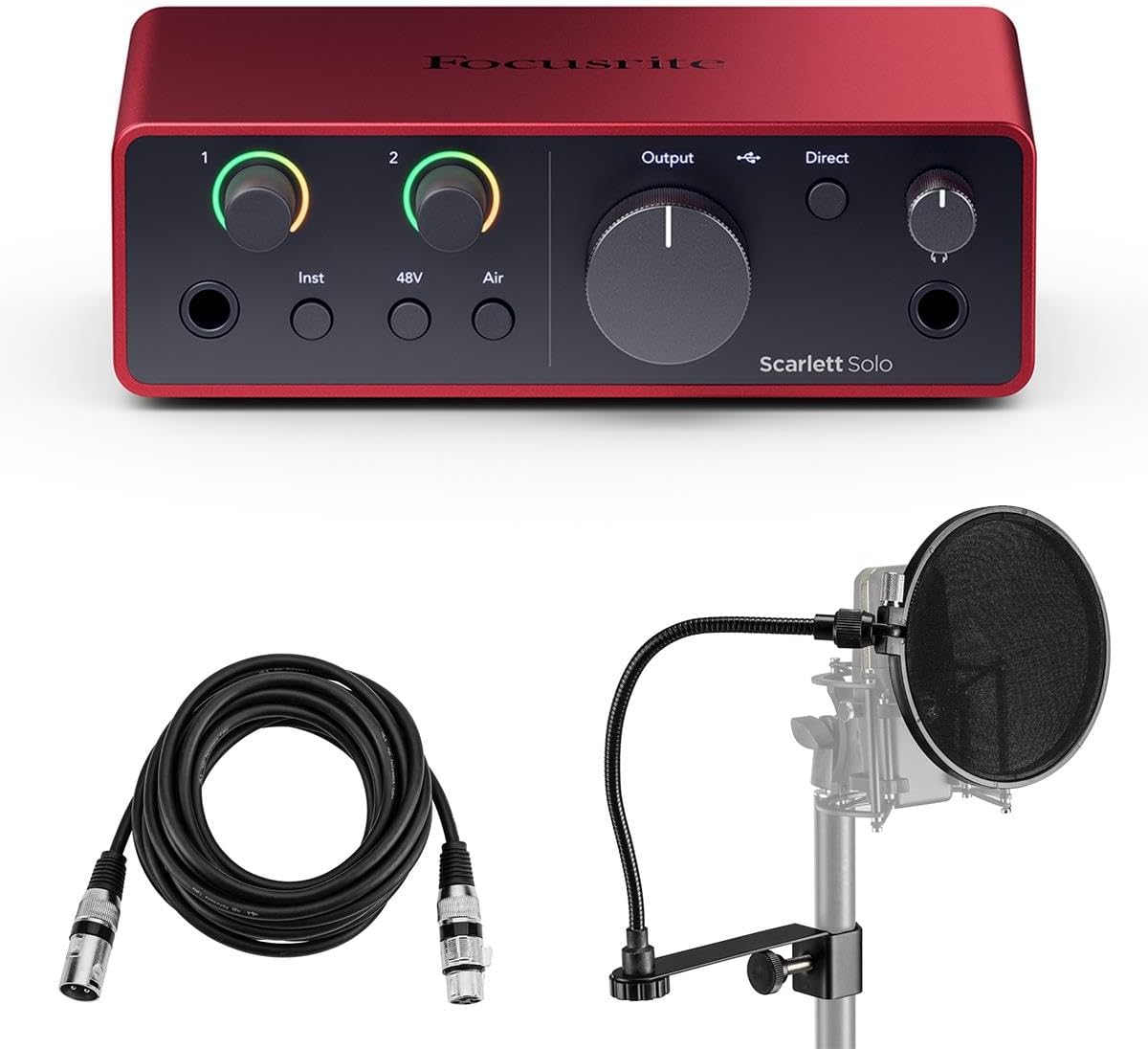
Focusrite Scarlett Solo 4th Gen USB Interface with Software Suite, Bundle With H&A Pop Filter, XLR M to F Cable 10'
Clean preamp gain, solves the gain-hungry problem at the source
Visit on Amazon →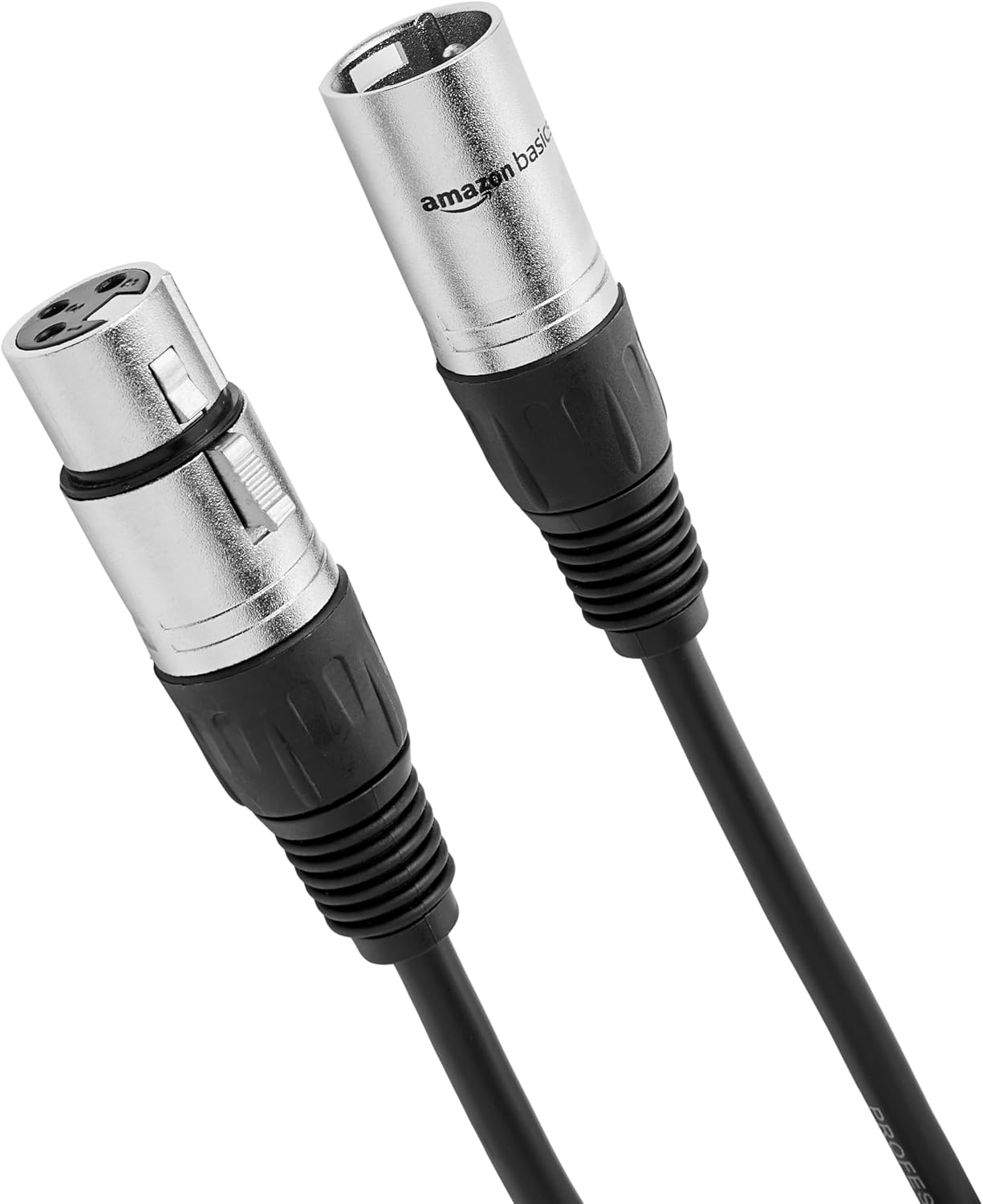
Amazon Basics XLR Male to Female Microphone Cable for Speaker or PA System, Recording Studio, All Copper Conductors, Low Noise Shielding, 6MM PVC Jacket, 6 Foot, Black
Product Description Amazon Basics Standard XLR Male to Female Balanced Microphone Cable, Durable & Flexible, Noise-Cancelling - 6 Feet, Black From the Manufacturer
Visit on Amazon →First, the 30-Second Fix That Works 50% of the Time
Before you buy anything, do this. I’ve been using the same Behringer XM8500 in my studio for years, and I still get static when I forget this step.
Unplug your mic cable from the interface. Now plug it back in. Firmly. Twist it slightly. That’s it. I’d say half the static I hear in client files comes from a loose XLR connection. The locking mechanism on XLR cables wears out, and if your cable is resting at an angle, it can lose contact. I’ve fixed two seasons of a client’s podcast with this exact move.
If that doesn’t work, check your interface gain knob. If it’s cranked past 3 o’clock, you’re amplifying the noise floor of the interface itself. That’s not your mic. That’s physics. Turn it down and move closer to the mic.
The Cable Problem
My 60-pound labradoodle Ringo has stepped on more cables than I care to admit. He’s my unofficial handling-noise tester, and he’s also the reason I keep a spare XLR cable in my gear bag. A frayed or damaged cable is the second most common cause of static. I’ve seen cables with visible kinks and bent pins cause crackling that sounded like a Geiger counter.
The fix is simple: replace the cable. I’ve used the AmazonBasics XLR cable for years. It’s $9, it’s shielded, and it survives Ringo. If you’re still getting static after swapping the cable, move on to the next suspect.
The Interface Gain Staging Ladder
Here’s where the gain-hungry problem bites. The XM8500 is a dynamic mic, which means it needs a lot of preamp gain to reach usable volume. If you’re using a cheap interface or a built-in sound card, you’re pushing the gain past 80%, and that’s where static lives. Every dB of gain you don’t need is a dB of noise you’re amplifying.
I’ve been using the Scarlett Solo for years, and it’s the cheapest interface I trust with a dynamic mic. It gives you clean gain up to about 70% on the dial. Past that, you’re asking for trouble. If your interface can’t push the XM8500 to a usable level without hissing, the interface is the problem, not the mic.
Here’s the math I use: the XM8500 needs about 30dB of gain to be usable for podcasting. A Scarlett Solo provides that cleanly. A $30 USB dongle does not. I’ve heard the difference in edits a hundred times. The static you’re hearing might just be your interface crying for help.
The Room Is Not the Problem (This Time)
I say this a lot: the room matters more than the mic. But static isn’t a room problem. It’s a signal chain problem. However, there’s one exception: vibration. If your mic is sitting on a desk and you hear a low rumble or crackle when you type or when Ringo shifts on the hardwood, that’s physical vibration, not electrical static.
The Pyle shock mount is the cheapest fix I know. It’s $13 and it isolates the mic from the stand. I’ve used it with the XM8500, and it kills the desk-thump noise completely. If your static only happens when you move or when something bumps the desk, this is your fix.
The Clip That Doesn’t Fit
Here’s the thing about the XM8500 that annoys everyone, including me: the included mic clip is the wrong size. It’s a 20-35mm clip on a 40mm mic. One buyer was “rather ticked off” about it. Another said you can slide it in at an angle and it works, but it’s a tight fit.
I’ve been recommending the XM8500 for years, and I still do, but I tell everyone to budget $10 for a proper clip. The shock mount I mentioned doubles as a clip replacement, so you’re solving two problems at once.
The Real Culprit: Ground Loop Hum
If your static is more of a low hum than a crackle, you might have a ground loop. This happens when your computer and your interface are plugged into different outlets or when there’s a voltage difference between them. The fix is a $20 ground loop isolator, or, in many cases, just plugging everything into the same power strip.
I’ve had this problem in my own studio. My computer was on one side of the room, my interface on the other, and the hum was constant. Moving them to the same power strip killed it instantly. If you’re hearing a 60Hz hum, this is your fix.
When It’s Actually the Mic
The XM8500 has a character. It’s bass-heavy and muddy up close. One detailed reviewer said it has “no treble whatsoever” and is “very focused in the lows and mids, only.” That’s not static, but it can sound like it if you’re too close and the low end is rumbling.
If you’ve checked the cable, the connection, the gain staging, and the ground loop, and you still hear crackling, then it might be the mic. I’ve had one XM8500 die on me after three years of heavy use. It started crackling on loud transients, and no cable swap fixed it. That’s rare, but it happens.
My Honest Bottom Line
I’ve been using the Behringer XM8500 for years, and I’ve recommended it to more podcasters than any other mic. It’s built like a tank, it rejects background noise better than mics costing five times as much, and it costs less than a pizza dinner for two. But it’s not perfect. The clip doesn’t fit, it needs a decent interface, and it’s muddy up close.
Static is rarely the mic’s fault. It’s usually the cable, the connection, or the interface. Fix those first. If you’ve done that and the static is still there, then worry about the mic. I’ve edited 4,000 episodes, and I can count on one hand the number of times the mic was actually the problem.
Start with the $0 fixes. Then the $9 cable. Then the $13 shock mount. If you still have static after that, you’re in the 5% of cases where the mic is the issue. And at $20, replacing it is cheaper than a therapy session.