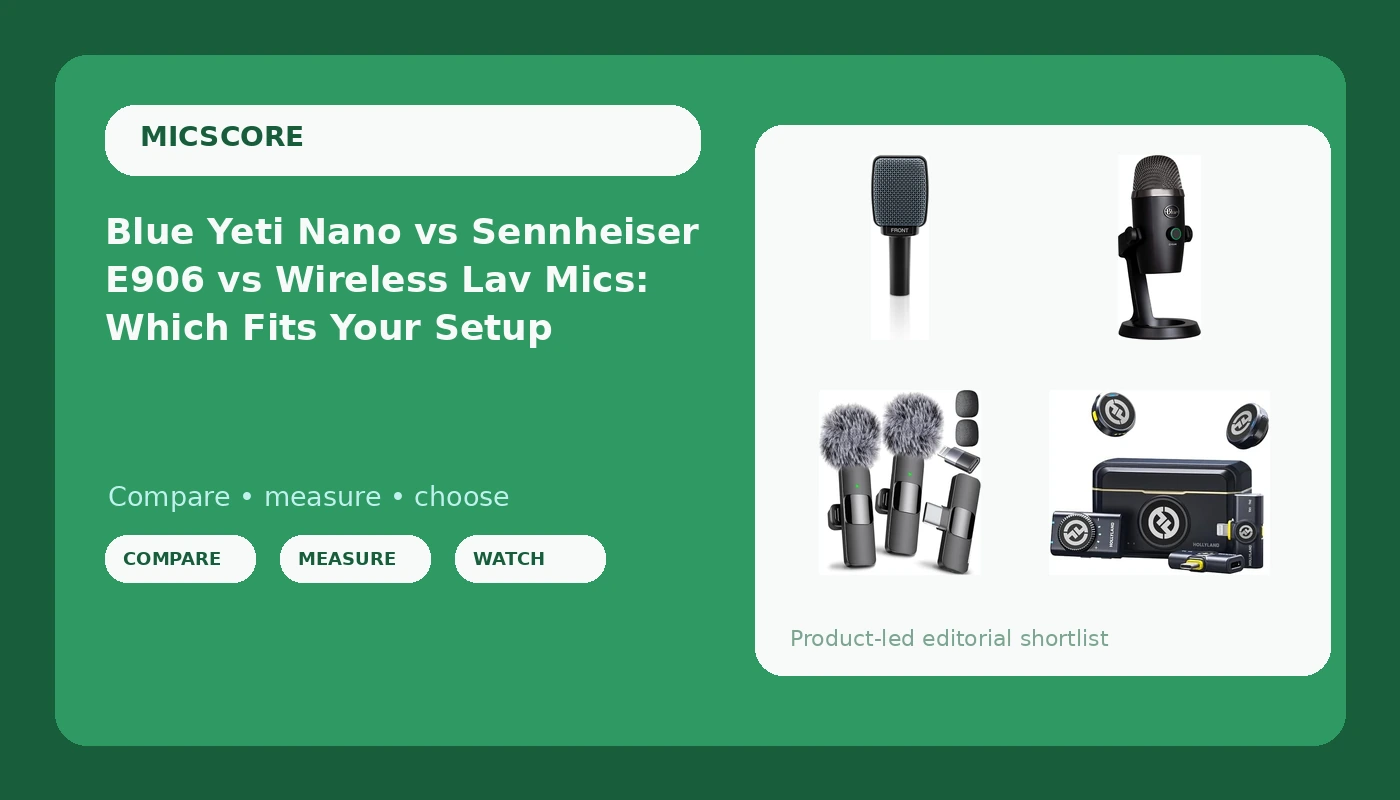
I have edited more than 4,000 episodes for other people, which means I have heard every microphone mistake a person can make, usually twice, and usually at 2 a.m. before a client's Monday release. So when readers ask me to name the best microphones for creators, they want one answer and one link. I can't give them that. The four mics in this comparison are not competing for the same job. One plugs straight into a laptop. One needs an interface you may not own. Two cut the cable entirely and put the microphone on your shirt.
I ran all four through the same chain in my treated Brooklyn studio and in my untreated kitchen, because the kitchen is the room that tells the truth. Here is what each one is actually for, what it costs you in convenience, and who should skip it.
Related: USB Vs XLR Microphones For Podcasters
The short answer: buy the Blue Yeti Nano if you record at a desk and want the shortest path to usable audio. Buy the Sennheiser E906 if you already own an interface and record in a room you cannot fix. Buy the Hollyland Lark M2 if you shoot video with a phone or a camera and talk to a lens. The Mini Mic Pro is the one to grab when you want a clip-on lav and nothing else in the bag.
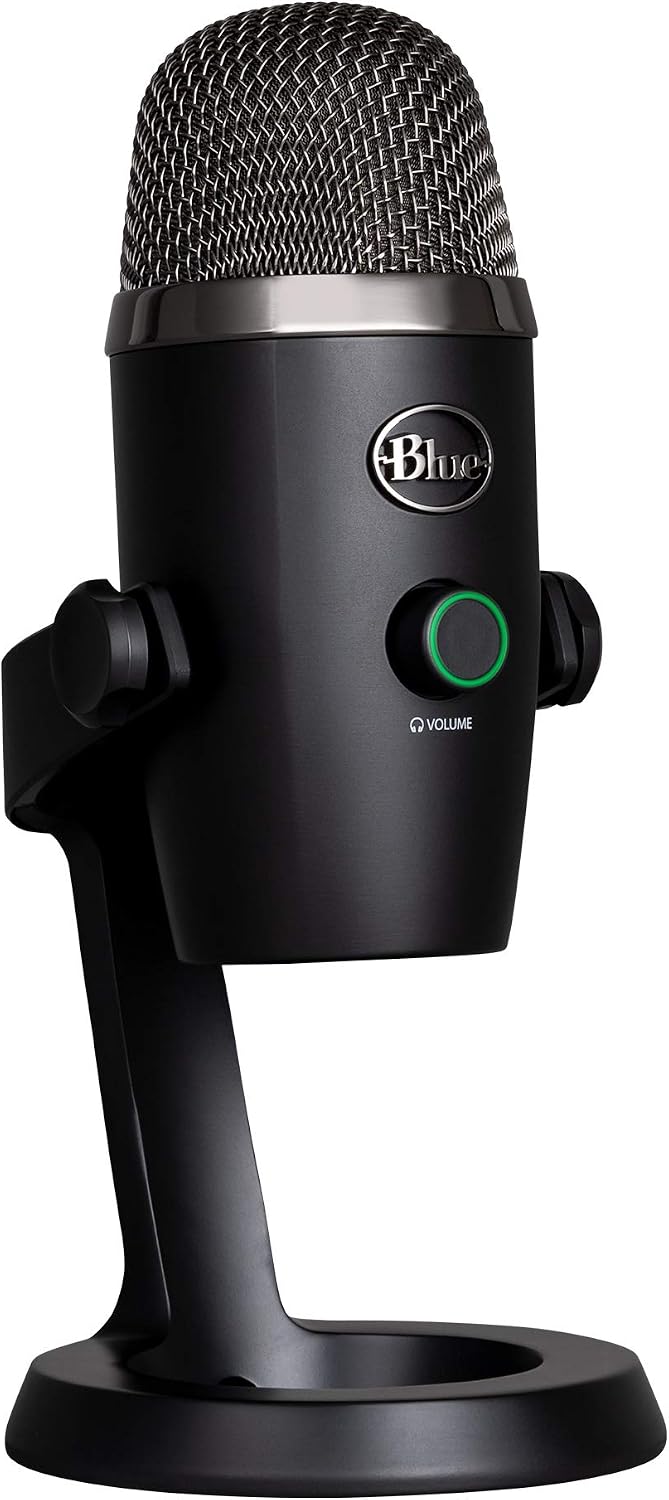
Logitech Blue Yeti Nano USB Microphone (Blackout)
Plug and play USB, no interface, usable audio within minutes of unboxing
It sits on your desk, so it hears your desk; a boom arm and pop filter are part of the real cost
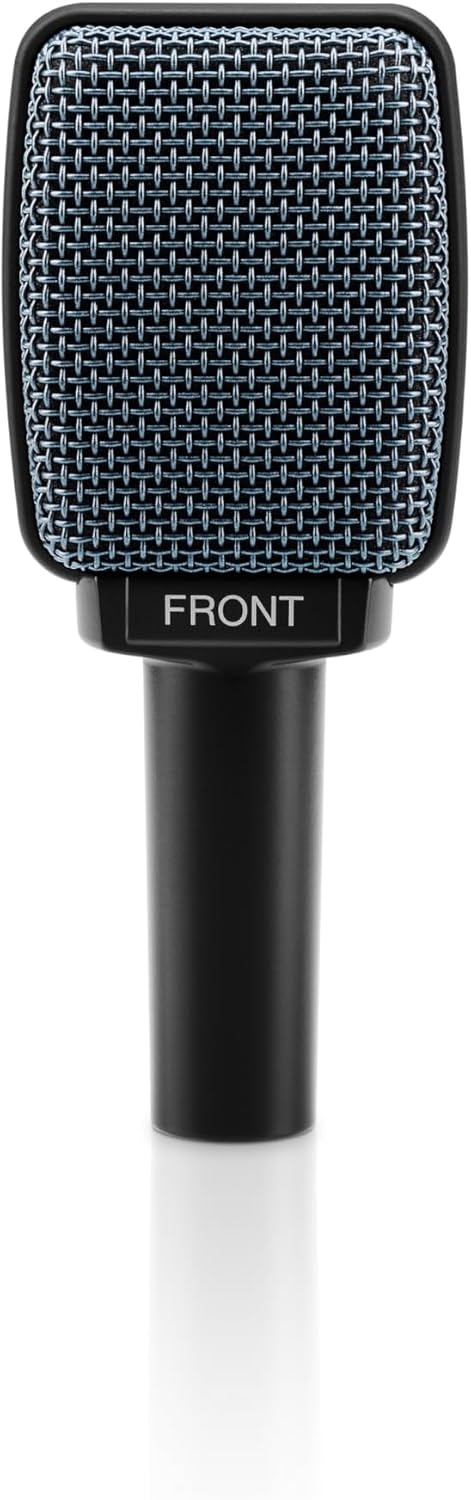
Sennheiser Pro Audio E906 Microphone
A dynamic XLR that ignores a bad room better than anything else here
No USB, no software, no mount; the purchase only makes sense if you already own an interface
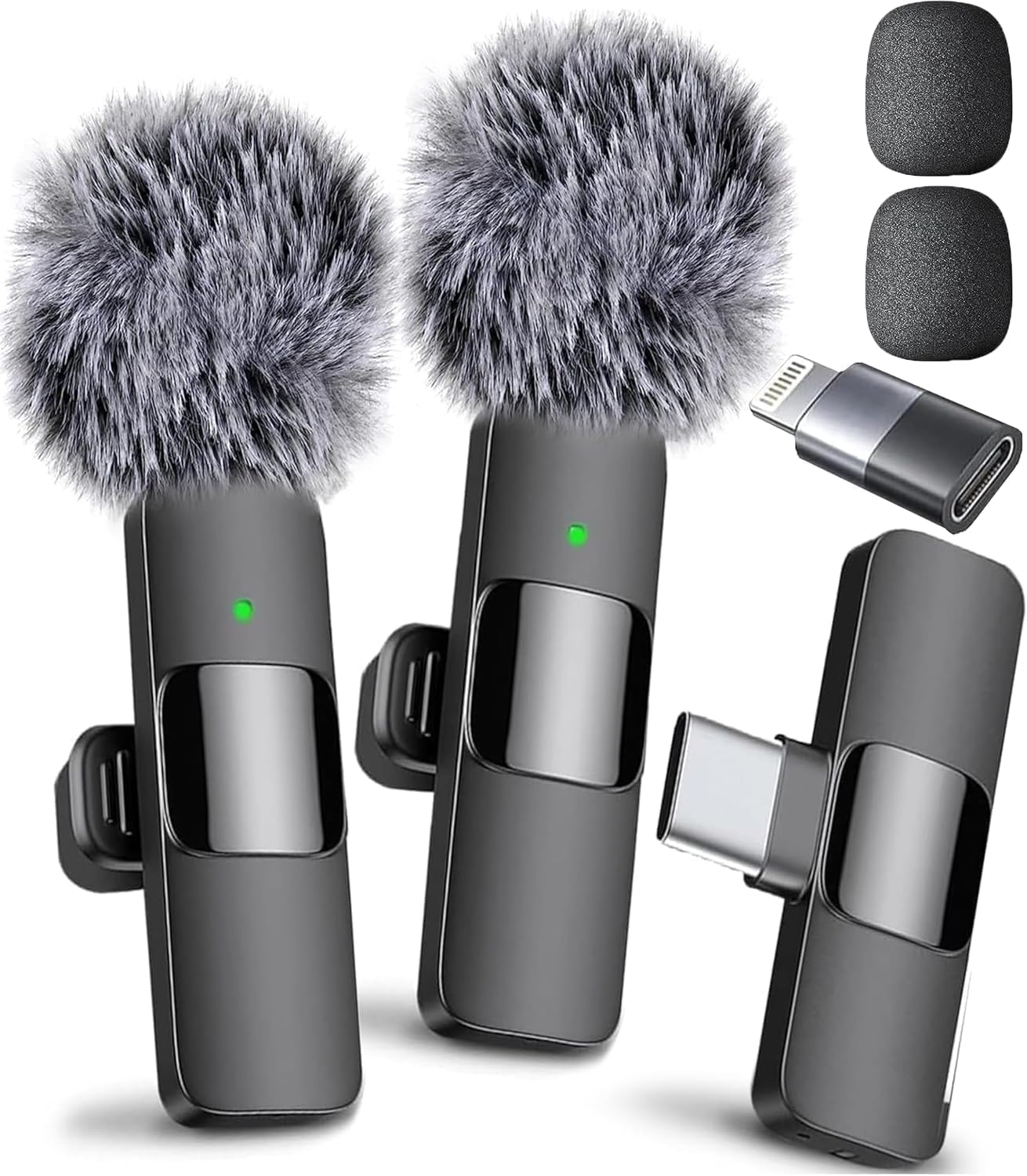
Mini Mic Pro Wireless Lavalier Microphone
The fastest route to audio that is better than a phone's built-in mic
A consumer kit built for phone video first; wireless in a dense city is always a gamble
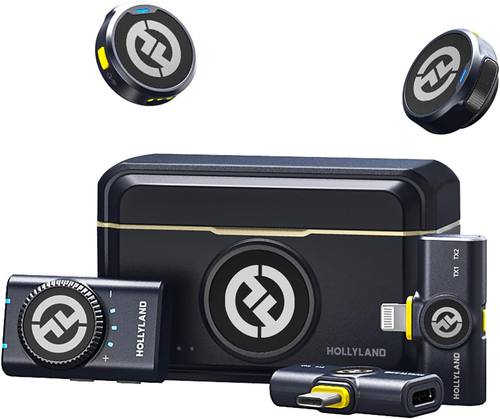
Hollyland Lark M2 Wireless Microphone System
Two transmitters, three receivers and a charging case cover a real shoot
More parts to charge, carry and lose; overkill for one person at a desk
Prices and availability were captured from Amazon Creators API and may change.
How I judge a microphone, and what I ignore
I do not quote frequency response numbers, because a response curve tells you almost nothing about how a mic behaves in a kitchen with the refrigerator running. What I listen for is the noise floor around the voice, how much room tone comes back with it, and whether the file still sounds like a person after compression and noise reduction.
That is three passes per mic. First, raw in the treated studio, where every mic should sound decent. Second, raw in the kitchen, where most of them fall apart. Third, through the chain I would actually use on a client's show: gain staging, a high-pass, light compression, and the minimum noise reduction the file can survive.
The last part is the one that matters and the one nobody tests. A microphone that only sounds good raw is a microphone that will make you miserable in post. I have spent entire afternoons rescuing a recording from a mic that sounded fine in a review and turned into a hissing, roomy mess after a client compressed it.
I also test every mic on the mount it ships with, before I put it on a boom arm. That is the honest first impression, and it is usually bad.
The desk option: Logitech Blue Yeti Nano
The Yeti Nano is the one I recommend to people who have never recorded anything and want to be recording today. It is a USB microphone built for gaming, streaming, podcasting, Twitch, YouTube and Discord, it works with PC and Mac, and there is no interface anywhere in the story. You plug it in, you set your gain, you talk.
That is not a small thing. The single biggest reason new podcasters sound bad is not the microphone, it is the signal chain they bought wrong. A USB mic deletes that entire problem.
Where it loses is placement. The Yeti Nano lives on your desk, which means it hears your desk. Every keystroke, every mouse click, every mug you set down, every time you shift in your chair. If you buy this mic and keep it on the included stand, you have bought a keyboard recorder with a voice feature. Budget for a boom arm and a pop filter on day one, because the boom arm is doing more for your audio than the mic upgrade did.
The Blackout finish and the small footprint are genuinely nice on camera, and the whole point of this mic is that you will actually use it, which counts for more than any spec.
One caution on software. Whatever companion app ships with it, use it for a light high-pass and nothing else. The moment you stack heavy processing from a USB mic's app on top of a compressed room, the voice starts sounding like a phone call from 2009.
The room-proof option: Sennheiser E906
The E906 is a different animal and I want to be blunt about it. This is an XLR dynamic microphone. There is no USB port, no adapter in the box, and no software. If you do not own an audio interface or a mixer, this is not a one-item purchase, it is a two-item purchase, and the second item is not cheap.
If you already own an interface, this is the mic I would hand you in a bad room. Dynamic mics care far less about the space around them than the USB condensers most people start with. You can work close to it, which means less room comes back in the file, and the proximity effect does the low-end work that a room-dependent mic would need acoustic treatment to pull off.
Off-axis rejection is where it earns its place in this comparison. If you have a street outside, a fan in the corner, or a roommate who does not respect the recording light, a mic that ignores everything except what is directly in front of it is worth more than a mic with a prettier top end.
What you give up: convenience, and the on-camera look. It has no mount in the box, no USB fallback for a quick call, and it reads as a stage mic rather than a studio mic if you are shooting video at a desk. It is also a specialized tool. You buy it because your room is the problem and you are not going to fix the room.
The phone-first lav: Mini Mic Pro
The Mini Mic Pro is a wireless mini microphone for iPhone and Android, a clip-on lavalier aimed at TikTok, YouTube and interviews, and it is the simplest thing in this article. Clip it on a collar, plug the receiver into the phone, hit record. For vertical video, that is the whole workflow, and it beats the phone's built-in mic by a wide margin.
The noise cancelling claim deserves a caveat. Aggressive noise cancelling can flatten a voice and leave it sounding processed, like the audio equivalent of a beauty filter. Test it with the feature off and on before you build a workflow around it, and pick the setting that still sounds like you.
Where it loses: wireless in a dense city is a gamble. The band is shared with every router, microwave and video doorbell in your building, and interference does not announce itself politely, it just shows up in a take you cannot reshoot. A lav also introduces its own skills. Clip position, clothing rustle, and the fact that a lav hears your shirt as clearly as your voice.
Buy it if your studio is a sidewalk, a coffee shop or the passenger seat of a car, and if your output is short-form video. Do not buy it expecting it to replace a desk mic for a two-hour interview show.
The kit that covers a shoot: Hollyland Lark M2
The Hollyland Lark M2 is the system in this group, and the manufacturer's own numbers make the case: 48kHz/24-bit high fidelity audio, a claimed 300m range, noise cancelling, up to 40 hours of use, and a box that contains two transmitters, three receivers and a charging case. It works with iPhone, camera, Android and PC.
Two transmitters means two people. That is the difference between interviewing someone and handing them a phone to hold. Three receivers means you stop swapping adapters every time the shoot changes from a camera to a phone to a laptop, which is the kind of small friction that ruins a shoot day.
The charging case is the part I would pay attention to. Wireless kits die in drawers because the batteries are always empty when you need them. A case that charges the whole set is the difference between gear you use and gear you own.
Where it loses: complexity. More parts, more to charge, more to lose, more to keep track of in a bag. For a solo podcaster at a desk, this is a lot of equipment for one voice, and the wireless caveats from the section above still apply. The kit solves a production problem, not a room problem.
The trade-offs the spec sheets leave out
The room is the microphone. A hundred-dollar mic in a treated room beats a thousand-dollar mic in an untreated one, and I have watched that play out in my own studio and my own kitchen more times than I can count. If you have budget for exactly one upgrade this year, put it into the wall behind you before you put it into a microphone. Nobody clicks on that advice, which is why it stays advice.
Mounts matter more than the mic. A great mic on a fifteen-dollar desk stand loses to a decent mic on a boom arm. If your arm sags after a month, you will stop adjusting it, and a mic you are afraid to reposition is worse than a worse mic you use every day.
The interface question is the real fork in the road. XLR is for people who know why they need it. If you do not know why, USB is the right answer in 2026 and it is not a compromise, it is a shortcut past a problem you do not have yet.
The software layer is the next battleground. On-mic and in-app processing is becoming standard, and it is genuinely useful when it is light. Auto-EQ that fights your room tone is worse than no EQ at all. Treat every "one click studio sound" button as a starting point, not a finish line.
Wireless is not free. It costs you batteries, charging discipline and a small amount of interference risk. Wired costs you a cable and a trip hazard. Pick the cost you will actually pay.
Which one should you buy
You are starting a podcast at a desk and own no gear. Blue Yeti Nano, plus a boom arm and a pop filter. Add treatment to the wall behind you when you can afford it.
You own an interface and your recording room is hard and echoey. Sennheiser E906. This is the mic that will make your untreated apartment sound like a smaller problem.
You shoot short-form video on a phone. Mini Mic Pro. It is the shortest path from a bad phone mic to a clean lav, and the setup takes under a minute.
You shoot interviews, two-person shows, or video where the camera is not next to the person talking. Hollyland Lark M2. The two transmitters and the charging case are the reasons, not the spec sheet.
You want one mic for everything. There isn't one. The creator who records a podcast at a desk and also shoots video on a phone needs two tools, and pretending otherwise is how people end up with a lav taped to a boom arm.
What I am watching next
The pattern I keep predicting is holding: USB dynamics keep eating the entry market, on-mic DSP keeps becoming standard, and the brand that ships the best automatic room correction wins the next round. I am also watching how many people buy a wireless kit, use it twice, and go back to a desk mic once they realize the room was the problem the whole time. I will score these predictions in January, the way I do every year.
If you take one thing from this comparison, take the boring one. Buy the mic that matches how you actually record, put it on a mount you do not hate, and spend the leftover money on the wall behind you. The microphone is the last ten percent of the sound, and it is the part everyone buys first.