Related: Best Dynamic Microphone for a Noisy Apartment: What Off-Axis Rejection Actually Buys You
I have edited more than 4,000 episodes for other people, which means I have heard what happens when an expensive microphone meets a bedroom with a window over a Brooklyn street. The microphone is almost never the problem. The room is. So when someone asks me for a podcast microphone setup recommendation, I ask about their ceiling, their window, and whether they type while they talk before I ask about their budget.
The four microphones in this guide are ranked on four things, and none of them is a frequency response chart. Off-axis rejection: how much of the room does it hear when you turn your head to check a note? Gain staging: how much clean gain does it need before the noise floor shows up in the edit? What survives a real edit, after the room tone, plosives, and keyboard clatter are dealt with? And will you actually use it every day, or is it enough of a hassle that you quietly record less?
Two of these are the same microphone in different boxes. One needs an interface you may not own. One is a wireless system for people shooting video instead of sitting at a desk. That is the whole map, and it is shorter than the marketing pages make it look.
Best Overall: Shure MV7+
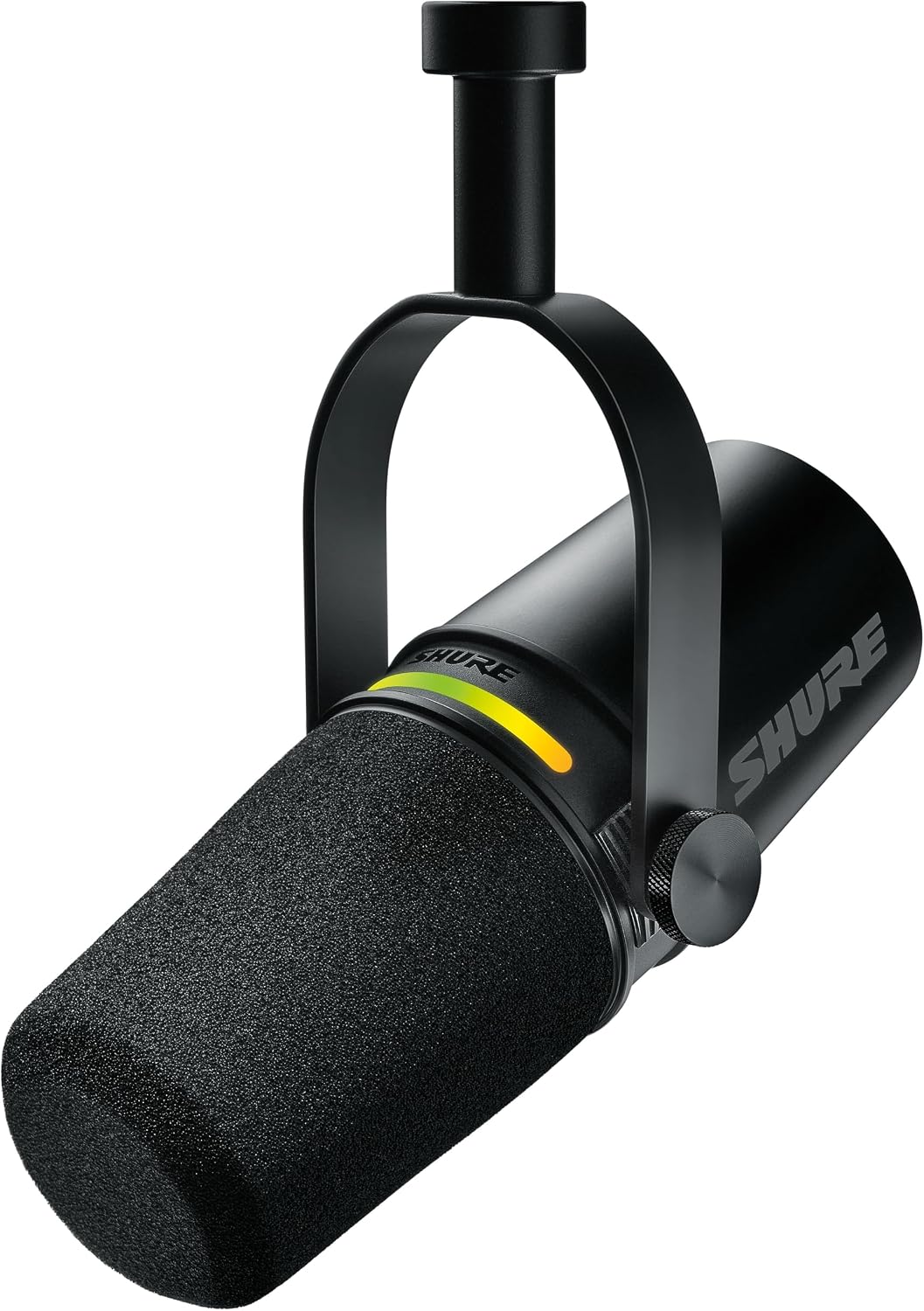
The MV7+ is what I recommend when someone wants one cable and no interface. It is a dynamic microphone, so it ignores a surprising amount of room, and it offers USB-C and XLR in the same body. That combination is the whole reason it wins for most people: you can be recording on a laptop tonight, and when you eventually buy an interface, the microphone you already own plugs into it. No second purchase, no relearning your setup.
Dynamics are the right call for a home studio, and I will keep saying it. A condenser in a kitchen hears the refrigerator, the street, and the laptop fan, then hands you all of it in a file you have to clean. A dynamic with a tight pattern hears mostly what is two inches in front of it. The trade is that you have to stay put. The proximity effect is strong here, so close it sounds warm and broadcast, and six inches back it thins out fast. Pick a distance, mark it with tape if you have to, and stay there.
The USB path on microphones in this class is where the processing lives, and the software layer is what separates a good USB dynamic from a great one. Check what the companion app offers before you commit, because that is the part that gets updated and the part that decides how the raw file sounds when it lands in your editor.
Best for XLR Purists: Shure MV7X
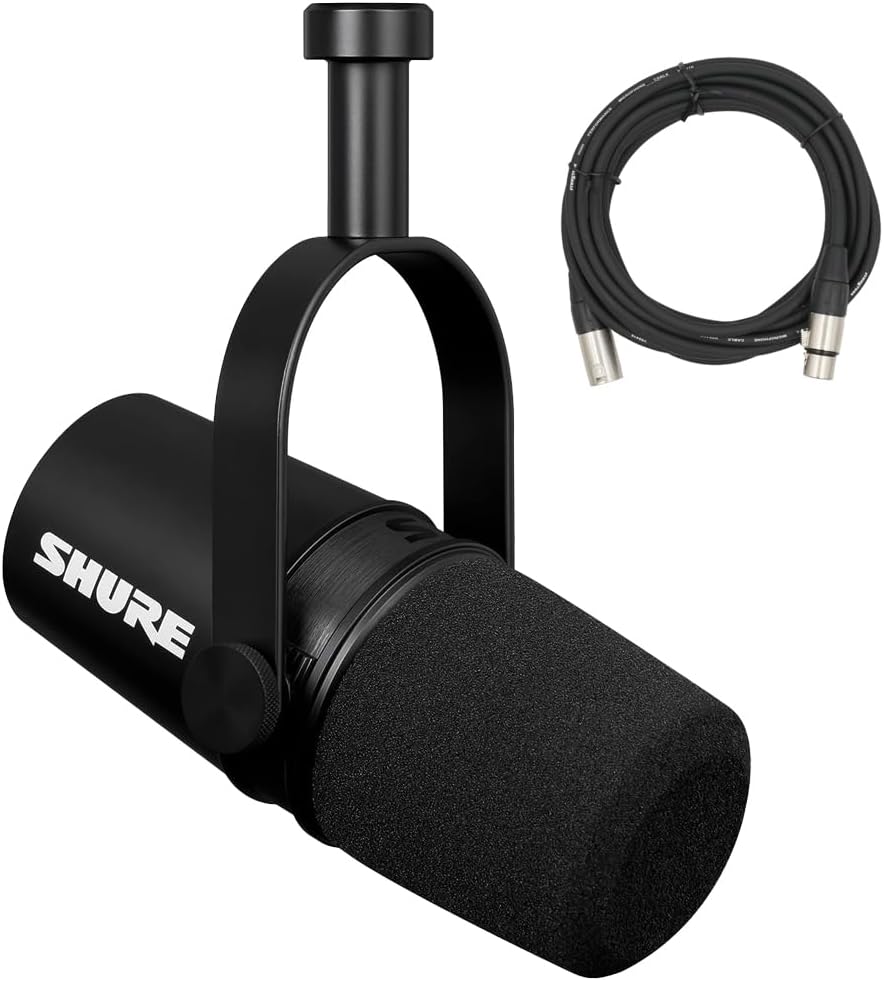
The MV7X is the same idea with the USB port removed. XLR only, all metal construction, voice-isolating technology, and a frequency curve optimized for speech rather than for a drum kit. It ships with an XLR cable, it takes a standard stand thread, and it is the least expensive way into this family.
The catch is the catch. There is no USB, so there is no just-plug-it-in. You need an interface, a cable, and enough clean gain. A budget interface with a noisy preamp will make this microphone sound worse than the USB version, and I have heard exactly that happen in other people's sessions. My rule is simple: if you do not already know why you want the XLR path, buy the USB version and postpone the interface until you have a reason.
Where the MV7X earns its place is in a room that is already wired. Two of them on a table with a decent two-channel interface is a legitimate two-host setup, and the tight dynamic pattern is what makes it work without treatment. The refrigerator, the HVAC, and the neighbor's television stay mostly where they are instead of following you into the recording. If your plan is a permanent desk with an interface you never unplug, this is the version that makes sense, and it will still work when the connector on your computer changes again.
The Desk-Ready Version: Shure MV7+ with Stand
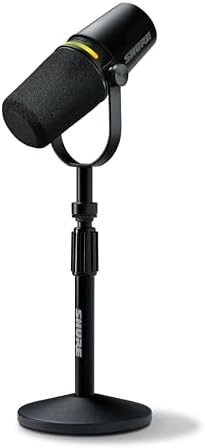
This is the same microphone as the MV7+, bundled with a stand. I list it separately because it changes who should buy which one, and because the mount question ruins more recordings than the capsule question ever does.
If you own a boom arm already, buy the standalone version. If you are starting from nothing and want one box that works tonight, this is the one. A stable base beats a microphone propped on a stack of paperbacks, and it beats waiting three weeks for an arm to arrive while your motivation quietly expires.
Honest caveat: a desk stand is still a desk stand. Typing, mouse clicks, and a bumped desk all travel through it. If you type while you record, put the microphone on a boom arm with a shock mount and a pop filter, whichever version you bought. The pop filter matters more than the next tier of microphone, and I will keep saying that until people stop upgrading capsules to fix plosives.
Best for Video and Phones: Hollyland Lark A1
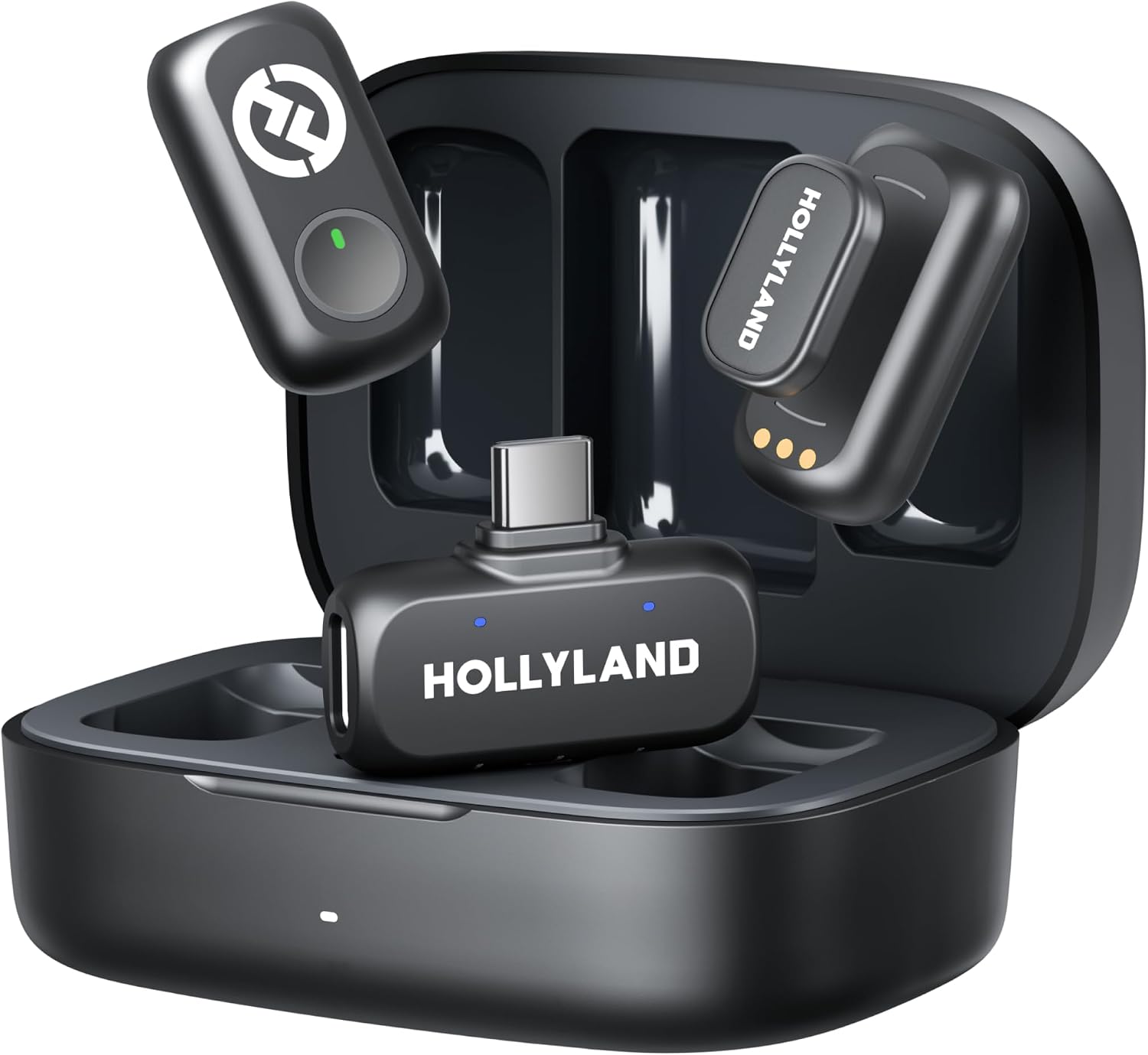
The Lark A1 is the outlier, and it is the one I would hand to someone shooting video rather than podcasting at a desk. It is a wireless magnetic system: two transmitters, a USB-C receiver, and a charging case. The transmitters are magnetic, so they clip to a shirt or stick to a metal surface without a rig, and the case keeps both of them charged between shoots.
This is not a broadcast voice microphone. It is a lav-style wireless system for talking-head video, street interviews, and the run-and-gun work where a desk microphone is not an option. What it does well is get a usable voice track without a boom operator, and for a creator publishing to video first, that is the entire job.
Wireless systems have their own room problem, and it is the opposite of a desk microphone's. A lav on your chest hears everything the room has, because it is nowhere near your mouth. Placement is your whole sound: high on the chest, below the collarbone, away from zippers, jewelry, and loose fabric. Outdoors, wind will wreck a take faster than distance will, so plan for it.
For a podcaster, this is the second microphone, not the first. It is what you use for the video version of an interview, or for the episode you record across a table from someone else.
How I tested
Every microphone here went through the same two rooms on purpose. First my treated studio, where almost anything sounds acceptable and where I can hear a microphone's own noise floor once I push the gain. Then my kitchen, which has hard counters, a refrigerator, and a window over a Brooklyn street. The kitchen is the honest test, because that is the room most people actually record in.
I record the same passage at three distances, then edit it the way I would edit a client's episode: high-pass, plosives, breaths, room tone, limiter. What I am listening for is not the raw take. It is how much of my evening the microphone costs me. A microphone that needs twenty minutes of cleanup per episode is not a bargain at any price, and a microphone that needs almost nothing is worth real money.
I also test the mounts, because a microphone that sags after a month or transmits every keystroke is a microphone you stop using.
Analysis and test results
The pattern across these four is worth naming: dynamic capsules and on-microphone processing are eating the entry market, and the interface is slowly becoming a niche purchase. Five years ago, the sound in this guide cost a condenser, an interface, and a treated room. Now the microphone does more of that work itself, and the software layer is where the brands are actually competing.
That does not make the room irrelevant, and I will not pretend otherwise. Nothing on this list fixes parallel walls and a hard floor. Off-axis rejection is the reason a dynamic microphone works in a kitchen, but it still hears the refrigerator when the compressor kicks on. If you do one thing after reading this, hang a moving blanket behind your head and behind the microphone.
The XLR path still matters, just for a different person than it used to. If you are recording two hosts, or you want one signal chain that lasts a decade, an interface plus an XLR dynamic is the right long-term buy. If you are recording alone at a desk and want to sound good tonight, the USB path is not a compromise anymore.
Watch the software layer, and watch the mounts. The brand with the best automatic EQ and the least annoying app wins the next round of this fight, and cheap stands are where good microphones go to die.
The podcast microphone reference table
Same information, one place. Every microphone in this guide, what it connects to, who it is for, and how much room it tolerates. Prices move constantly, so I do not print them. The link goes to the current listing.
| Microphone | Connection | Best for | Room it tolerates | Price |
|---|---|---|---|---|
 Visit on Amazon → Visit on Amazon →Shure MV7+ |
USB-C and XLR | One-cable solo shows, laptop recording, upgrading later | Untreated rooms, with close mic technique | $299.00 |
 Visit on Amazon → Visit on Amazon →Shure MV7X |
XLR only, needs an interface | Two-host tables, permanent studio desks | Good, if your preamps are clean | $209.00 |
 Visit on Amazon → Visit on Amazon →Shure MV7+ with Stand |
USB-C and XLR | Anyone starting with no arm and no stand | Same as the MV7+, once you stop typing | $319.00 |
 Visit on Amazon → Visit on Amazon →Hollyland Lark A1 |
Wireless, USB-C receiver | Video, interviews, recording away from a desk | Hears the whole room, so place it carefully | $44.99 |
Should you buy the Shure MV7+?
For most people recording alone at a desk, yes. It is the one microphone here that lets you start with one cable and graduate to an interface later without replacing anything. The tight dynamic pattern is what makes it work in a real room, and the fact that it does USB-C and XLR in the same body means it survives your next three setup changes.
Its weakness is the same as its strength: it rewards good technique. Stay close, mark your distance, and it sounds like a broadcast. Drift back and it thins out.
Should you buy the Shure MV7X?
Yes, if you already own an interface with clean preamps. It is the least expensive entry into this family, all metal, and it will not become obsolete when your computer changes ports again. Two of them make a real two-host table.
No, if you do not own an interface and do not want to buy one. A cheap preamp will undo everything the microphone does well, and you will spend the difference on noise reduction software instead.
Should you buy the Hollyland Lark A1?
Yes, if you shoot video or interview people away from a desk. Two transmitters, a USB-C receiver, and a charging case in one purchase solves a problem that no desk microphone can solve, and the magnetic mounting means you can set it up in seconds.
For podcasters recording at home, buy it second. A wireless lav on your chest hears the entire room, and your kitchen does not need that kind of attention.