Most people shopping for podcast microphones for home studios start with the wrong question. They ask which microphone sounds best, when the honest answer depends on the room it sits in, the noise floor behind it, and whether the person using it will keep using it after the novelty wears off. A microphone that needs an interface, a cable, a stand, and a treated corner before it works is a microphone that tends to end up in a drawer.
This guide keeps the field narrow on purpose. Six products, from a budget USB condenser to a broadcast-style XLR dynamic, plus the accessory that quietly decides whether any of them sound clean: the arm holding them. Nothing here is ranked by price or by how impressive a spec sheet looks. The differences that matter in a real apartment are connection type, capsule type, what comes in the box, and how much of the room each one drags into your recording.
Related: Dynamic vs Condenser Mics for Untreated Rooms
Quick answer
The Shure MV6 USB Gaming Microphone for Streaming & Recording is the strongest fit for a first home studio because it is a USB microphone that connects straight to a computer with no interface in the chain. Choose the Shure SM58S Pro XLR Dynamic Vocal Microphone with On/Off Switch instead when you already own an interface or mixer and want a dynamic XLR microphone with a physical on/off switch.
Podcast microphones worth comparing
Six products, three jobs. Two of these are USB microphones that need nothing else, two are XLR dynamics that assume you already have an interface, one is a pro audio dynamic from Sennheiser, and one is the boom arm that holds everything. Read the connection type first, because that single detail decides whether you also need to budget for an interface, a cable, and a stand.
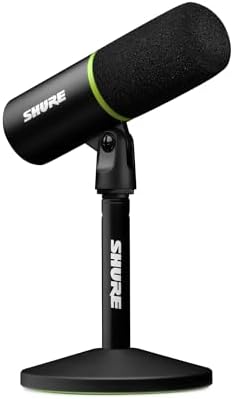
Shure MV6 USB Gaming Microphone for Streaming & Recording
A USB microphone from Shure built for streaming and recording, so it connects straight to a computer with no interface in the chain.
Visit on Amazon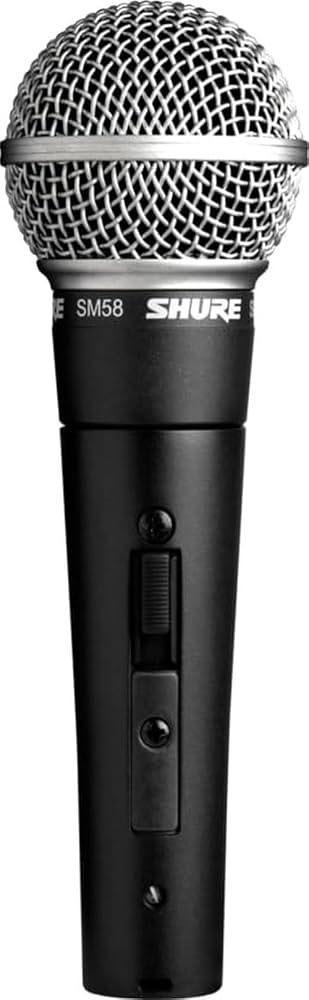
Shure SM58S Pro XLR Dynamic Vocal Microphone with On/Off Switch
A dynamic XLR vocal microphone in the familiar handheld shape, with a physical on/off switch on the body for muting between takes.
Visit on Amazon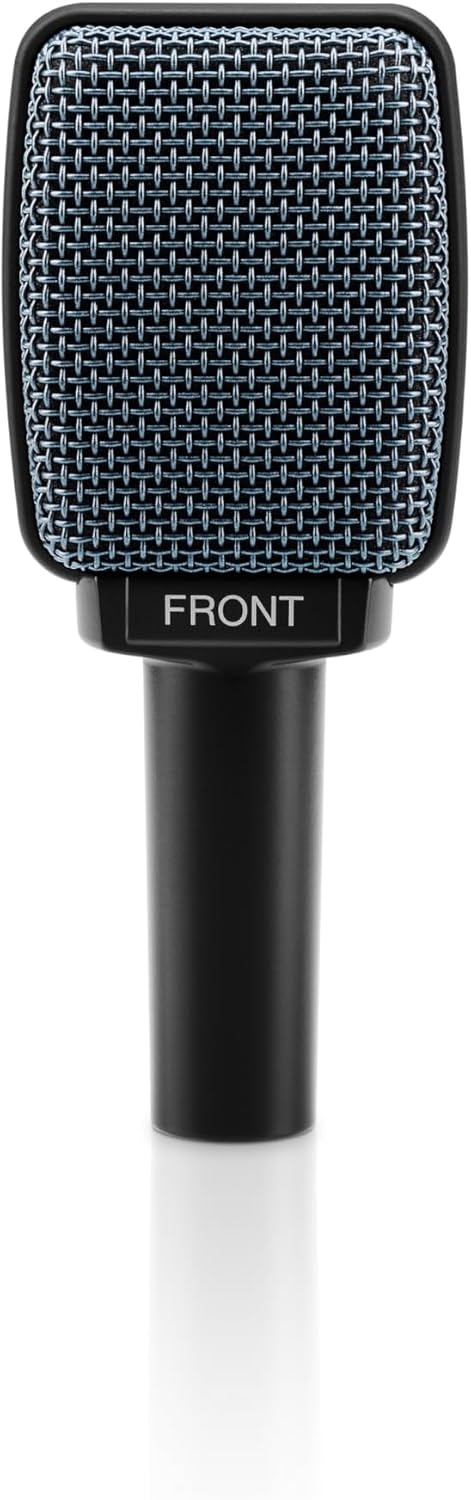
Sennheiser Pro Audio E906 Microphone, black
A dynamic microphone from Sennheiser's pro audio line, finished in black, for engineers who already work in the XLR world.
Visit on Amazon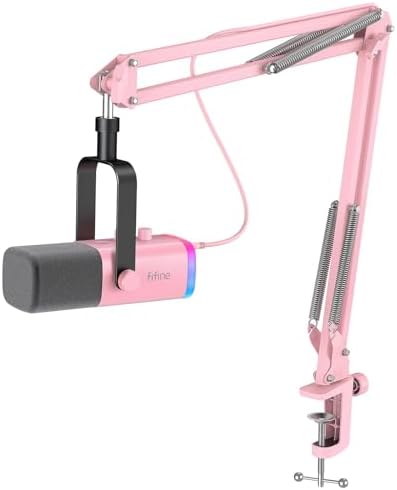
FIFINE AmpliGame AM8T XLR/USB Gaming Microphone Set, Dynamic PC Mic
A dynamic PC microphone set with both XLR and USB connections, so it can move between a simple desktop setup and an interface-based one.
Visit on Amazon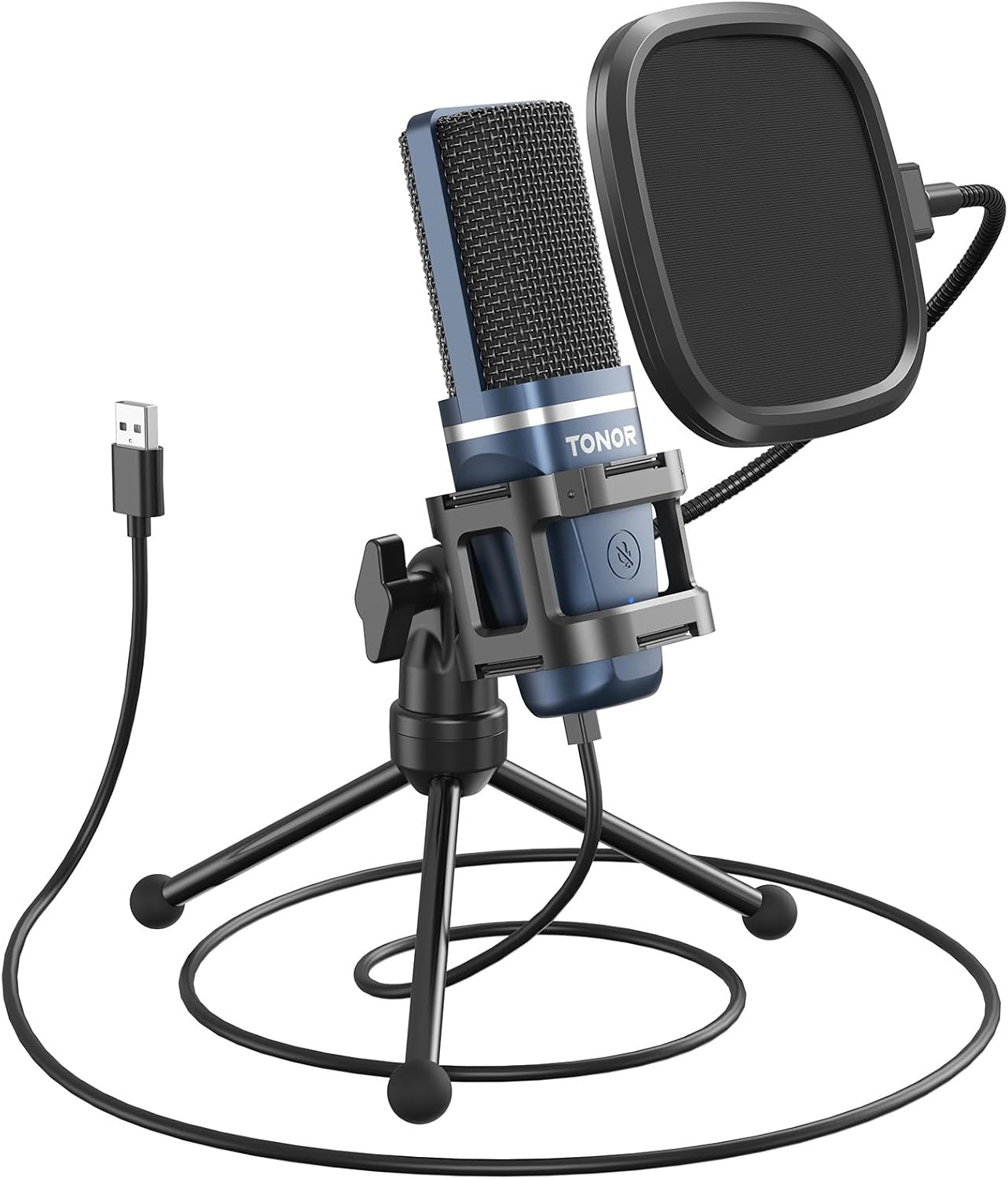
TONOR Podcast Microphone, USB Computer Mic, Cardioid Condenser PC Microfono
A budget USB computer microphone with a cardioid condenser capsule, aimed at plug-and-play desktop recording.
Visit on Amazon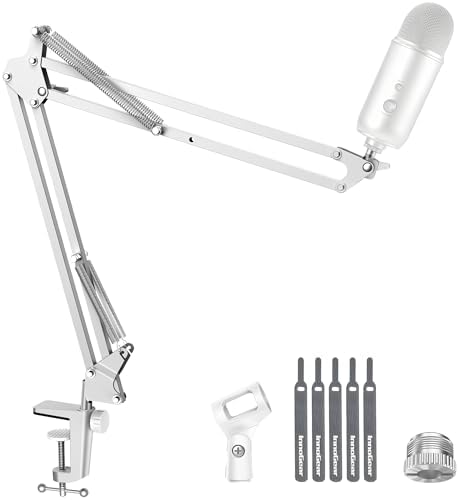
InnoGear Boom Arm Microphone Mic Stand for Blue Yeti Fifine HyperX, Black
A black boom arm stand for desktop microphones, listed for models including Blue Yeti, Fifine, and HyperX.
Visit on AmazonPrices and availability may change. Check the retailer for current details.
How these products were compared
This guide compares connection type, capsule type, what each set includes, how each microphone is mounted or positioned, and which recording situation each product actually serves. Product names, images, and retailer links are matched to the same listing so that every card points to the product shown.
Nothing here is presented as hands-on measurement. There are no lab numbers in this article, and no current price is printed, because both change often. Use the link on each card to confirm price, availability, and return terms before you buy.
How to choose the right podcast microphone
Start with the connection, because it decides your total cost. A USB microphone plugs into the computer and that is the entire chain. An XLR microphone needs an interface or mixer, a cable, and usually a stand, which is reasonable if you already own that gear and a trap if you do not. The FIFINE set in this list is unusual because it covers both paths in one product, so it can start on USB and move to XLR later.
Then think about the room, because the room is doing more of the recording than the microphone is. A condenser capsule is sensitive to everything around it, including the refrigerator, the street, and the reflection off a bare wall. A dynamic capsule generally picks up less of that, which is why people recording in untreated apartments often end up happier with a dynamic. A cardioid pickup pattern helps as well, since it favors what sits directly in front of the mic and pushes down what sits behind it. If you have not set input levels before, read up on gain staging basics before you blame the microphone for a noisy take.
Placement is the third decision, and it is the one people skip. A microphone on a desk stand picks up every keystroke, mouse click, and coffee mug landing. A boom arm lets you bring the mic close to your mouth and keep the desk out of the picture, which improves the ratio of voice to room. Close placement also means the gain can come down, and lower gain means less of the room tone behind you gets pulled into the recording. That is the whole argument for spending on a stand before spending on a mic upgrade.
Finally, be honest about the plosives. Any microphone placed directly in front of a mouth will catch hard P and B sounds, and the fix is angle and distance, not a more expensive capsule. Aim slightly across the mouth rather than straight into it, keep a consistent distance, and add a pop filter if the problem persists. Consistency matters more than perfection, because a steady, boring take is easy to edit and a take that moves around is not.
Shure MV6 USB Gaming Microphone for Streaming & Recording
The MV6 is the top pick here because it removes the most common reason a first setup stalls. It is a USB microphone from Shure, which means it connects to a computer directly and works without an interface, a preamp, or a cable purchase beyond what comes in the box. Shure describes it as built for streaming and recording, and that is exactly the job most home podcasters need done.
The trade-off is that USB is a one-way door. There is no XLR output on the MV6, so it will not move to an interface later if you decide you want a mixer, a hardware compressor, or a second microphone for a co-host. If you already know you are heading toward an XLR chain, buying a USB microphone now means buying twice. If you are not sure, the USB path is the one that gets you recording this week, and that is worth more than theoretical flexibility.
Alternatives to consider
The Shure SM58S Pro XLR Dynamic Vocal Microphone with On/Off Switch is better suited to someone who already owns an interface or mixer and wants a dynamic XLR microphone with a physical switch on the body, while the Sennheiser Pro Audio E906 Microphone is a stronger fit when you want a dynamic microphone from Sennheiser's pro audio line and you are already committed to XLR gear.
The FIFINE AmpliGame AM8T XLR/USB Gaming Microphone Set, the TONOR Podcast Microphone, and the InnoGear Boom Arm Microphone Mic Stand cover the other three jobs. The FIFINE set is the flexible option with both connection types, the TONOR is the lowest-commitment way to start recording over USB with a cardioid condenser capsule, and the InnoGear arm is the support that keeps any of these microphones off the desk and close to your mouth.
Day-to-day use and maintenance
The daily habits matter more than the purchase. Keep the microphone at a consistent distance, because moving closer and further away changes both level and tone, and that proximity effect is very hard to fix in editing. Speak across the capsule rather than into it, set the gain so normal speech peaks comfortably below clipping, and record ten seconds of silence at the start of every session so you have room tone to work with later.
Care is simple but easy to neglect. Dust the capsule area gently, keep drinks away from the desk, and check the boom arm's joints and springs periodically. A stand that sags overnight will quietly change your microphone position, and a position that drifts is one of the most common reasons a recording sounds different from one week to the next. Do not overtighten the clamp or the arm joints, and route the cable with some slack so a tug does not pull the microphone out of place.
One caveat applies to every product here: none of these will remove a noisy room. If your recording space has a fan, a refrigerator, or traffic outside the window, deal with that problem first, because a microphone upgrade amplifies the room as faithfully as it amplifies your voice.
Buying checklist
- Confirm the connection type first, and count the interface and cable cost if the microphone is XLR.
- Choose a dynamic capsule if your recording space is untreated, and a condenser if you have a quiet, controlled room.
- Check what is included in the set, since a boom arm, cable, or shock mount changes the real total.
- Plan your placement before you buy, because a desk stand will put keystrokes into every take.
- Verify the current retailer price, availability, and return terms through the link on the card.
Final recommendation
Choose the Shure MV6 USB Gaming Microphone for Streaming & Recording when you want to start recording now over USB with no interface and no extra gear, and choose the Shure SM58S Pro XLR Dynamic Vocal Microphone with On/Off Switch when you already own an interface and want a dynamic XLR microphone with a switch on the body. If you need one product that can handle both connection types, the FIFINE set is the middle path, and if your desk is the real problem, the InnoGear boom arm is the cheapest meaningful upgrade in this list.